Chapter 7: Instrument reference 77
Errors The following table describes possible errors and recommended
solutions. Note the error code on the screen. For technical support,
BD Biosciences might ask for this code.
Error displayed Possible causes Recommended solutions
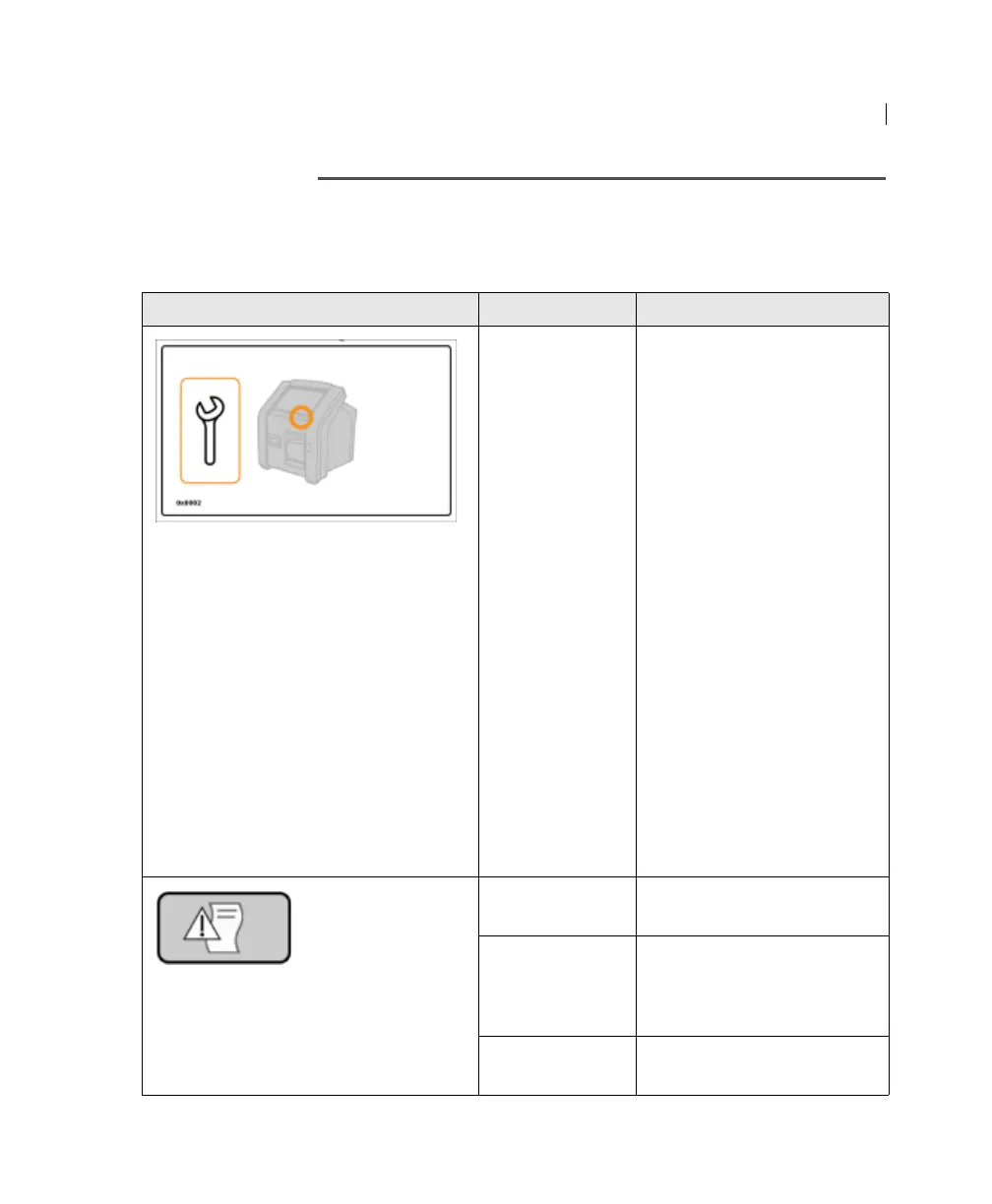
A critical failure
requires you to
stop operating
the instrument.
1. If there is a USB flash
drive in the USB port,
remove it.
2. If there is a cartridge
stuck in the cartridge
door, do not attempt to
remove it. If possible,
make sure the cap is
closed.
3. Press the power button
until the instrument turns
off.
4. Press the power button to
turn on the instrument.
– If there is a cartridge
in the instrument, a
screen with the Open
Door button appears.
– Press Open door.
– Remove the cartridge.
5. If the error persists,
contact BD Biosciences.
The printer is out
of paper.
Add printer paper.
There is a paper
jam.
1. Open the printer door.
2. Fix the paper jam.
3. Close the printer door.
The printer door
is open.
Close the printer door.











 To Next Page