BD FACSPresto Near-Patient CD4 Counter Instructions For Use78
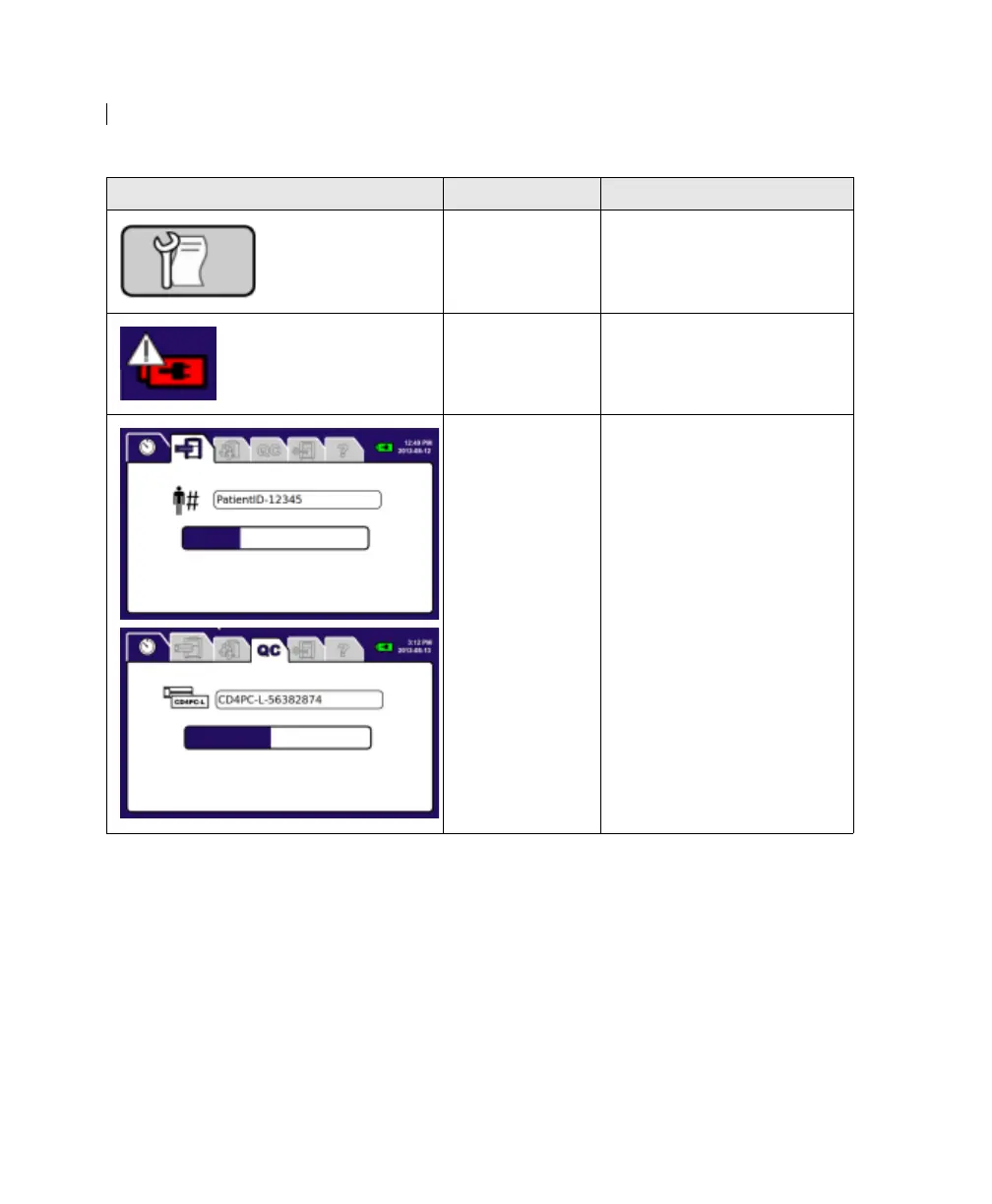
The printer does
not respond and
requires service.
Contact BD Biosciences.
The battery does
not charge and
requires service.
Contact BD Biosciences.
The sample or
process control
run has stopped.
1. Wait 2 minutes.
2. If the progress bar does
not move, press the power
button until the
instrument turns off.
3. Press the power button to
turn on the instrument.
A screen with the Open
Door button appears.
4. Press Open Door.
The cartridge is ejected.
5. Remove the cartridge.
6. Follow the instructions in
Running samples
(page 64).
Error displayed Possible causes Recommended solutions











 To Next Page