Chapter 7: Instrument reference 79
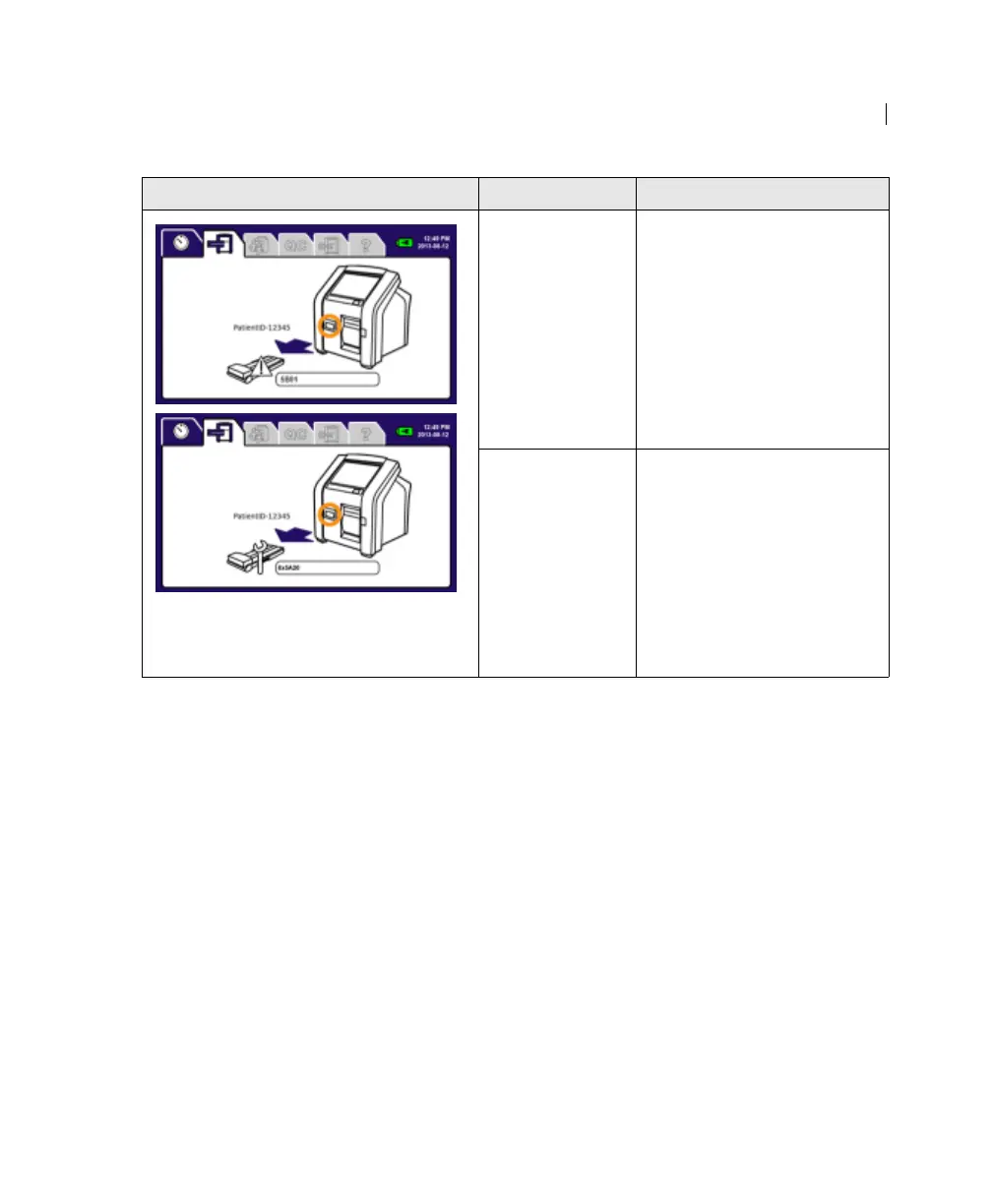
This error might appear in the Run
Test tab.
The instrument ejects the cartridge.
The instrument
cannot read the
barcode or
channel.
1. Make sure the channel
protector is removed from
the cartridge.
2. Clean the barcode label or
channel.
3. Re-insert the cartridge
into the instrument.
4. If the error persists,
prepare a new cartridge.
There is not
enough blood or
process control
in the cartridge.
1. Make sure the channel is
full of blood or process
control. If it is not full,
prepare a new cartridge.
2. Re-insert the cartridge
into the instrument.
3. If the error persists,
prepare a new cartridge.
Error displayed Possible causes Recommended solutions











 To Next Page