Chapter 7: Instrument reference 81
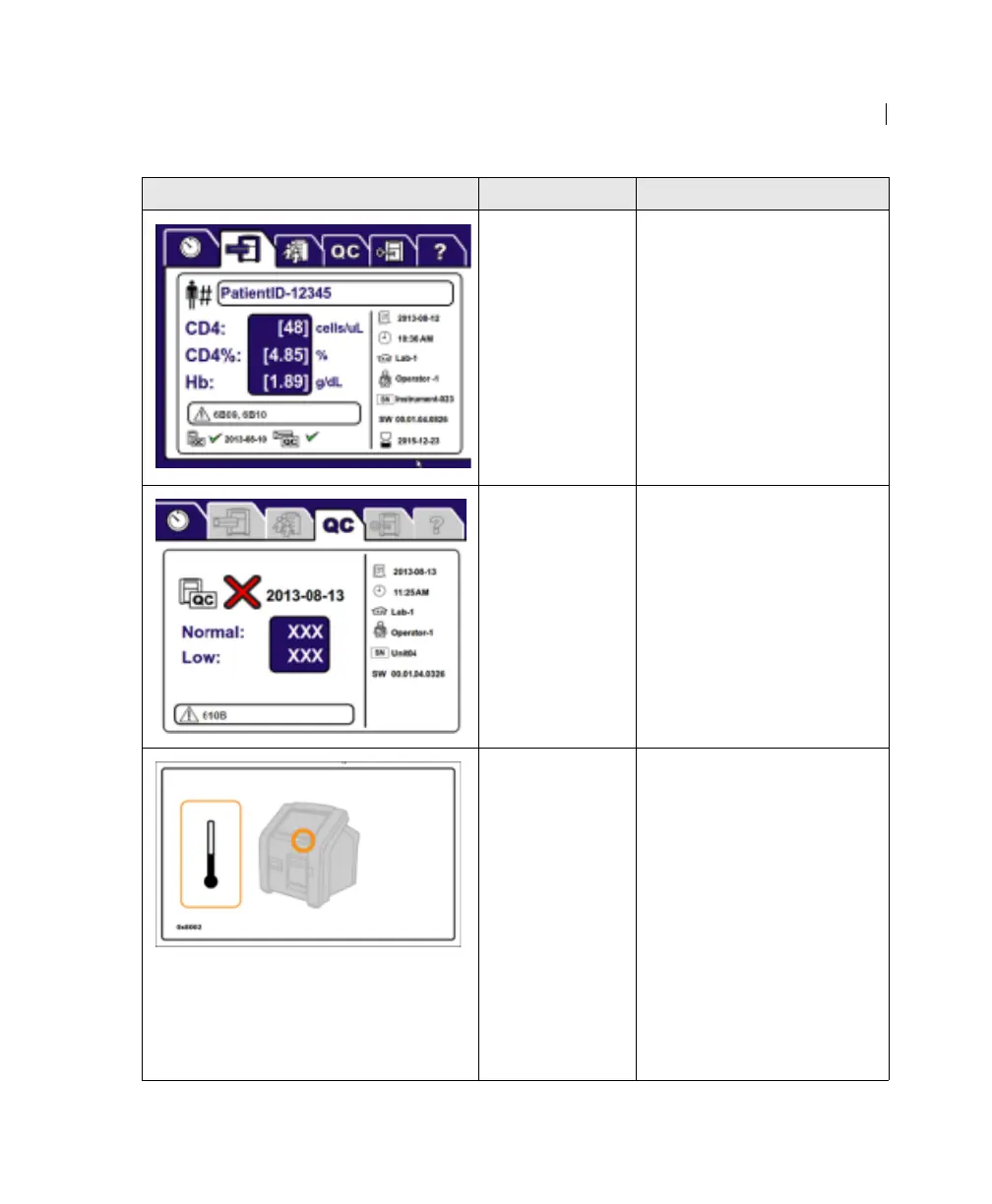
Results are out of
the validated
range.
Consult the lab manager.
Instrument QC
does not show
results.
1. Press the power button
until the instrument turns
off.
2. Press the power button to
turn on the instrument.
3. If the error persists,
contact BD Biosciences.
The instrument
temperature is
outside its
operational
range.
1. Make sure the air vents
are unobstructed.
2. Press the power button
until the instrument turns
off.
3. Wait for the instrument to
return to its operational
range.
4. Press the power button to
turn on the instrument.
5. If the instrument does not
turn on, contact
BD Biosciences.
Error displayed Possible causes Recommended solutions











 To Next Page