BD FACSPresto Near-Patient CD4 Counter Instructions For Use82
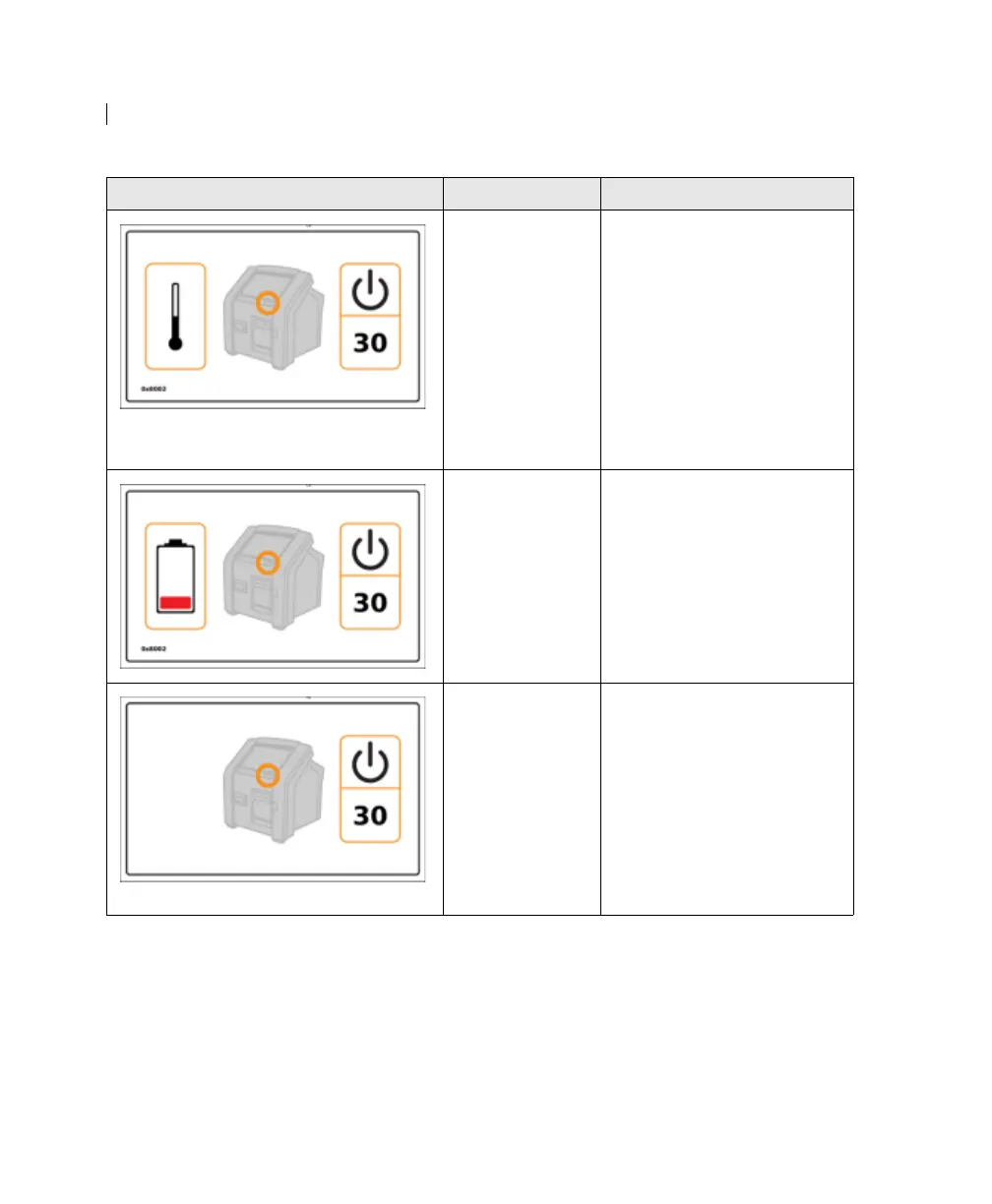
The instrument
temperature is
outside its
operational
range, and will
shut down in the
number of
seconds specified
on the screen.
1. Make sure the air vents
are unobstructed.
2. Wait for the instrument to
return to its operational
range.
3. Press the power button to
turn on the instrument.
4. If the instrument does not
turn on, contact
BD Biosciences.
The instrument
has low battery
power, and will
shut down in the
number of
seconds specified
on the screen.
1. Plug the instrument into a
wall electrical outlet or
other electric source.
2. Press the power button to
turn on the instrument.
3. If the instrument does not
turn on, contact
BD Biosciences.
The instrument is
running on
battery power
only and has not
been used for
35
minutes. It
will shut down in
the number of
seconds specified
on the screen.
Touch the screen. If the
instrument turns off, press the
power button to turn it on.
Error displayed Possible causes Recommended solutions











 To Next Page