Chapter 7: Instrument reference 83
More information • Technical assistance (page 7)
• Changing the printer paper (page 85)
• Instrument setup, startup, and shutdown (page 24)
• Instrument specifications (page 87)
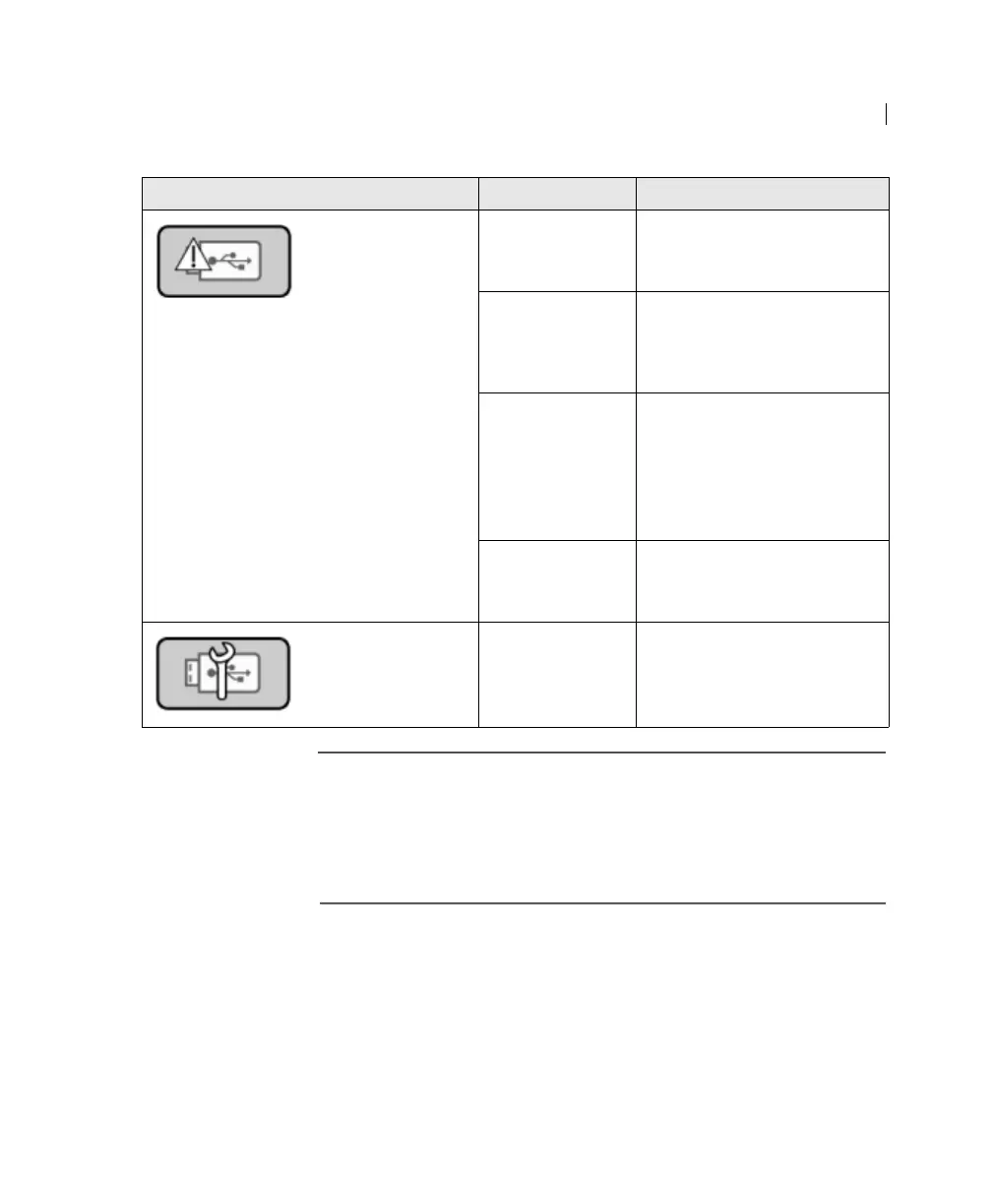
The USB flash
drive is not
present.
Insert the USB flash drive into
the USB port.
The USB flash
drive is not
inserted
correctly.
Remove and insert the USB
flash drive into the USB port
again.
The USB flash
drive is full.
Insert the USB flash drive into
a PC and remove some files.
Or
Insert another BD USB flash
drive into the USB port.
The USB flash
drive is not
functioning.
Insert another BD USB flash
drive into the USB port.
The USB port is
not functioning.
Contact BD Biosciences.
Error displayed Possible causes Recommended solutions











 To Next Page