Chapter 7: Instrument reference 85
Changing the
printer paper
To change the printer paper:
1. Lift the printer door latch.
The printer door opens.
2. Remove the old paper roll.
3. Detach the end of the paper from the new paper roll.
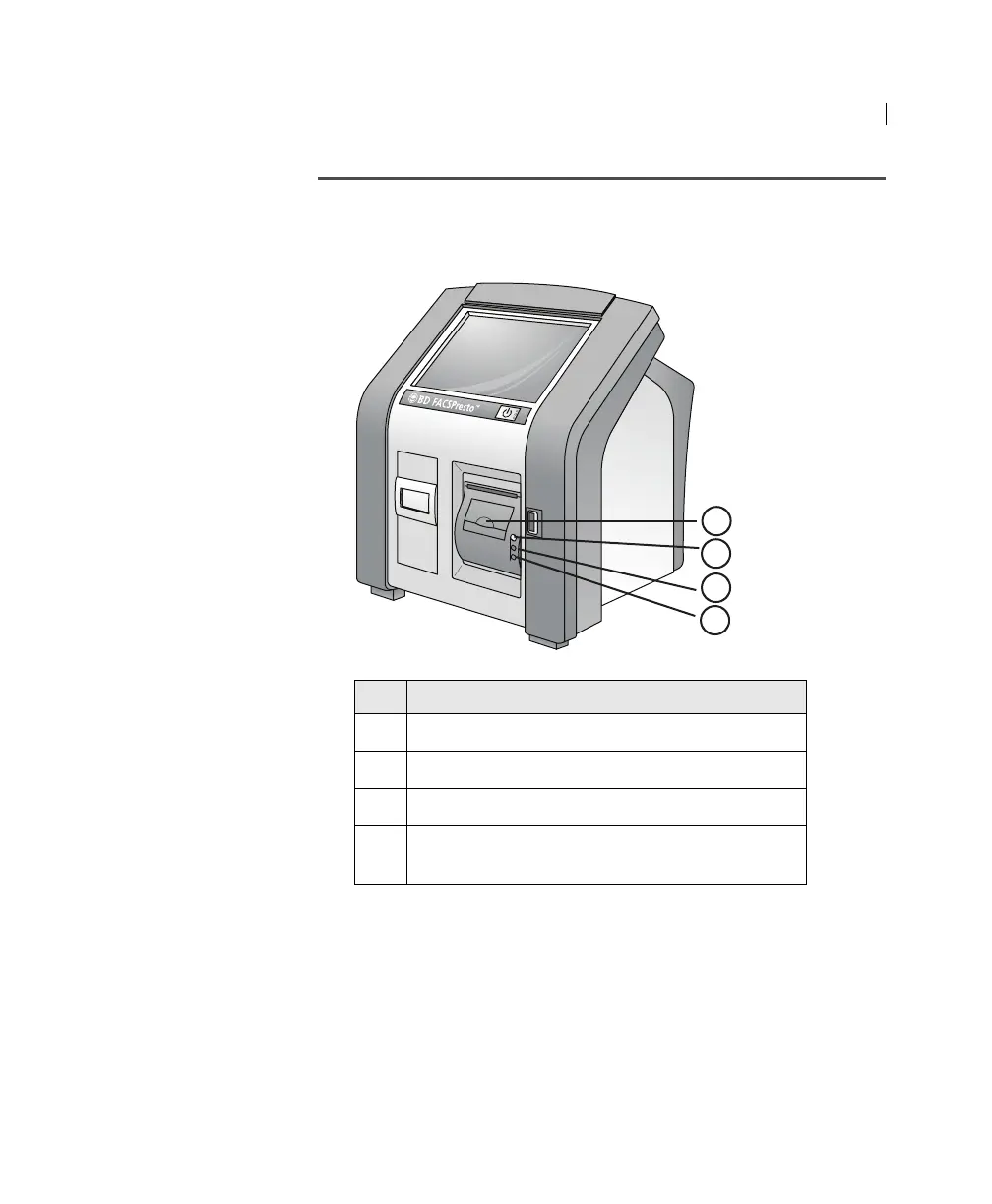
No. Component
1 Printer door latch.
2 Button to eject paper from printer.
3 Green light means the printer is ready to print.
4 Red light means the printer is out of paper or the
printer door is open.
1
2
3
4











 To Next Page