75.0127 V3 Jul. 2003 [Rev. 8/13/2004]
Page 12 of 17
COMPANY
CONTACT
ACCESSORIES
TROUBLE-
SHOOTING
- Cont.
If after troubleshooting a problem, a satisfactory solution cannot be achieved, please call B.E.A., Inc.
for further assistance during Eastern Standard Time at 1-800-523-2462 from 7am - 5pm.
For after-hours, call East Coast: 1-866-836-1683 or 1-800-407-4545 / Mid-West: 1-888-308-8843 /
West Coast: 1-909-596-3011. DO NOT leave any problem unresolved. If you must wait for the following workday
to call B.E.A., leave the door inoperable until satisfactory repairs can be made.
NEVER sacrifice the safe operation of the automatic door or gate for an incomplete solution.
Wizard will not respond to
remote control.
1. Batteries in remote are dead or are
installed improperly.
1.
Check to insure that the batteries are
installed correctly – observe polarity.
2. Replace batteries - AAA 1.5 volt.
Wizard will not unlock when
access code is entered.
1. Improper code being entered.
1. Reset code to the default valu
performing one of the following:
a.
Press the 2 buttons on the Wizard
simultaneously until the red & green led
begin flashing. This will return ALL settings
to their default value.
b.
Cut and restore power supply. No code is
required to unlock durin
after powering. Reset code prior to locking.
Red LED is flashing rapidly
after attempting set-up.
Detection field was violated during set-
up of the Wizard.
1. Launch a new set-
detection field remains all clear until set-
complete.
2. Wizard may be seeing the do
Adjust infrared curtain and launch a new set-
up.
PROBLEM PROBABLE CAUSE CORRECTIVE ACTION
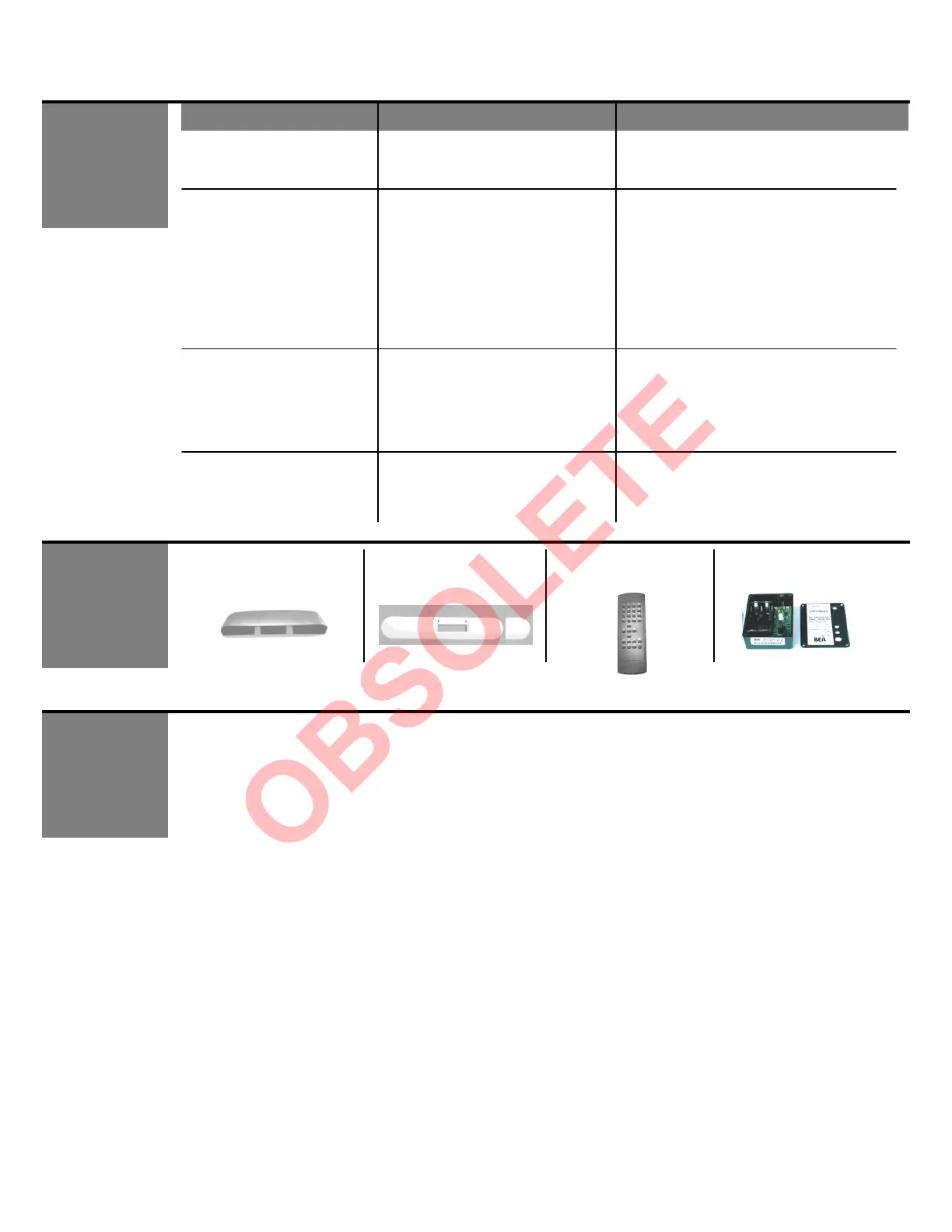
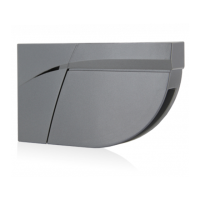
Weather Hood Unit
(10URC)
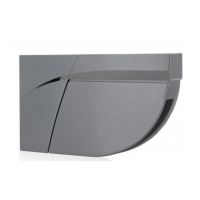
Ceiling Adaptor
(10WCA)
Wizard will not respond to
motion.
Improper SMR setting 1.
If the Wizard is NOT being used with a BEA
DCU, set SMR to a value of 0. See page 8.
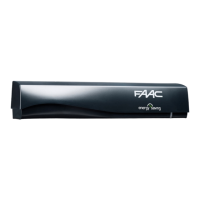
(10REMOTE)
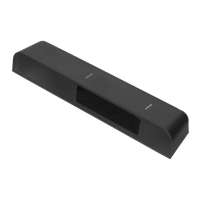
SpotFinder
(10SPOT)
Ceiling Adaptor
(10WCA)


 To Next Page