BEC MX-200 User Manual
Access Management
Features including Device Management, SNMP, Universal Plug & Play, Dynamic DNS, Access
Control, Packet Filter, CWMP (TR-069), and Parental Control.
Device Management
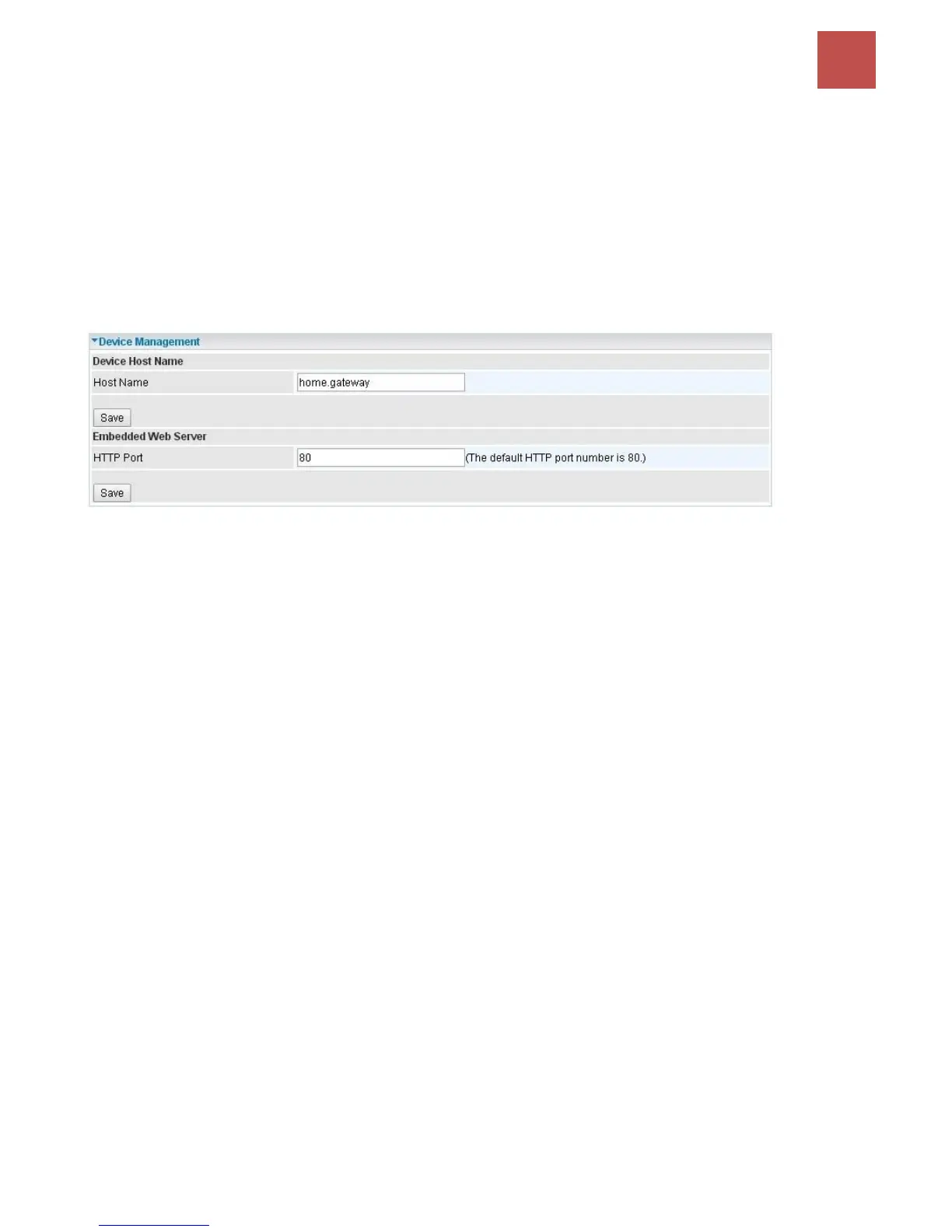
Device management offers users a way to change the embedded web server accessing port, default
80. User can change the http port to 8080 or something else here.
Click Save to apply the settings.



 To Next Page