EasyManua.ls Logo

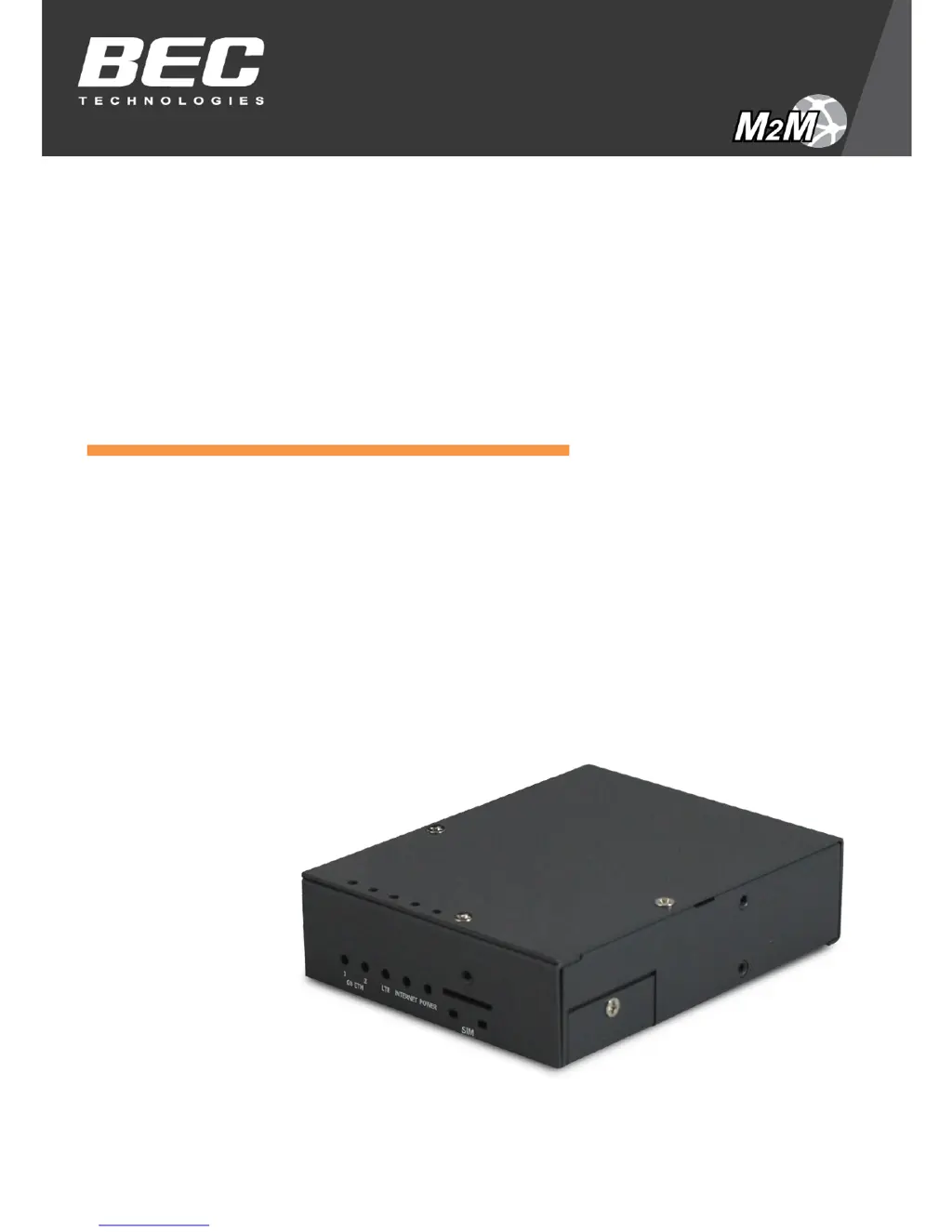
BEC MX-200 - User Manual

BEC MX-200
132 pages
Print Icon
To Next Page IconTo Next Page
Loading...
Last revised: October, 2015
Version release: v1.10
User Manual
BEC MX-200
Advanced Industrial
4G/LTE Wireless Router

Table of Contents

Other manuals for BEC MX-200

Questions and Answers

Summary

Introduction

Features & Specifications

Key Features Overview

Lists core features like 4G/LTE connectivity, Gigabit Ethernet, IPSec VPN, and firewall.

Hardware Specifications

Device Description

System Recovery and Cabling

System Recovery Procedures

Steps to restore the MX-200 to its initial stage or factory default settings.

Basic Installation

Default Router Settings

Provides default username, password, IP address, and DHCP server settings for the router.

Device Configuration

Login to the Router

Guide on how to access the router's web interface using default credentials.

Quick Start Guide

Introduces the wizard for quick router setup, including password, time zone, and WAN settings.

Interface Setup

Configures network interfaces like Internet (3G/4G-LTE, EWAN) and LAN.

Dual WAN Configuration

Sets up and manages dual WAN connections for failover, load balance, and protocol binding.

Advanced Setup

Covers Firewall, Routing, NAT, Static DNS, Time Schedule, Mail Alert, Serial, and VPN configurations.

Access Management

Manages Device, SNMP, UPnP, DDNS, Access Control, Packet Filter, CWMP, and Parental Control.

Maintenance Operations

Covers User Management, Time Zone, License, Firmware, System Restart, Auto Reboot, Diagnostics.

Troubleshooting

Router Troubleshooting Guide

Provides simple troubleshooting steps for common router issues before contacting support.

LAN Interface Troubleshooting

Addresses problems with LAN connectivity, such as inability to PING PCs.

Recovery Procedures

Step-by-step guide for recovery in case of LED issues, access failure, or firmware failure.

Summary

Introduction

Features & Specifications

Key Features Overview

Lists core features like 4G/LTE connectivity, Gigabit Ethernet, IPSec VPN, and firewall.

Hardware Specifications

Device Description

System Recovery and Cabling

System Recovery Procedures

Steps to restore the MX-200 to its initial stage or factory default settings.

Basic Installation

Default Router Settings

Provides default username, password, IP address, and DHCP server settings for the router.

Device Configuration

Login to the Router

Guide on how to access the router's web interface using default credentials.

Quick Start Guide

Introduces the wizard for quick router setup, including password, time zone, and WAN settings.

Interface Setup

Configures network interfaces like Internet (3G/4G-LTE, EWAN) and LAN.

Dual WAN Configuration

Sets up and manages dual WAN connections for failover, load balance, and protocol binding.

Advanced Setup

Covers Firewall, Routing, NAT, Static DNS, Time Schedule, Mail Alert, Serial, and VPN configurations.

Access Management

Manages Device, SNMP, UPnP, DDNS, Access Control, Packet Filter, CWMP, and Parental Control.

Maintenance Operations

Covers User Management, Time Zone, License, Firmware, System Restart, Auto Reboot, Diagnostics.

Troubleshooting

Router Troubleshooting Guide

Provides simple troubleshooting steps for common router issues before contacting support.

LAN Interface Troubleshooting

Addresses problems with LAN connectivity, such as inability to PING PCs.

Recovery Procedures

Step-by-step guide for recovery in case of LED issues, access failure, or firmware failure.

BEC MX-200 Specifications

General IconGeneral
BrandBEC
ModelMX-200
CategoryNetwork Router
LanguageEnglish

Related product manuals