BEC MX-200 User Manual
Serial (RS-232 Port)
Here is the Serial RS-232 port configuration to connect with any existing industrial machine.
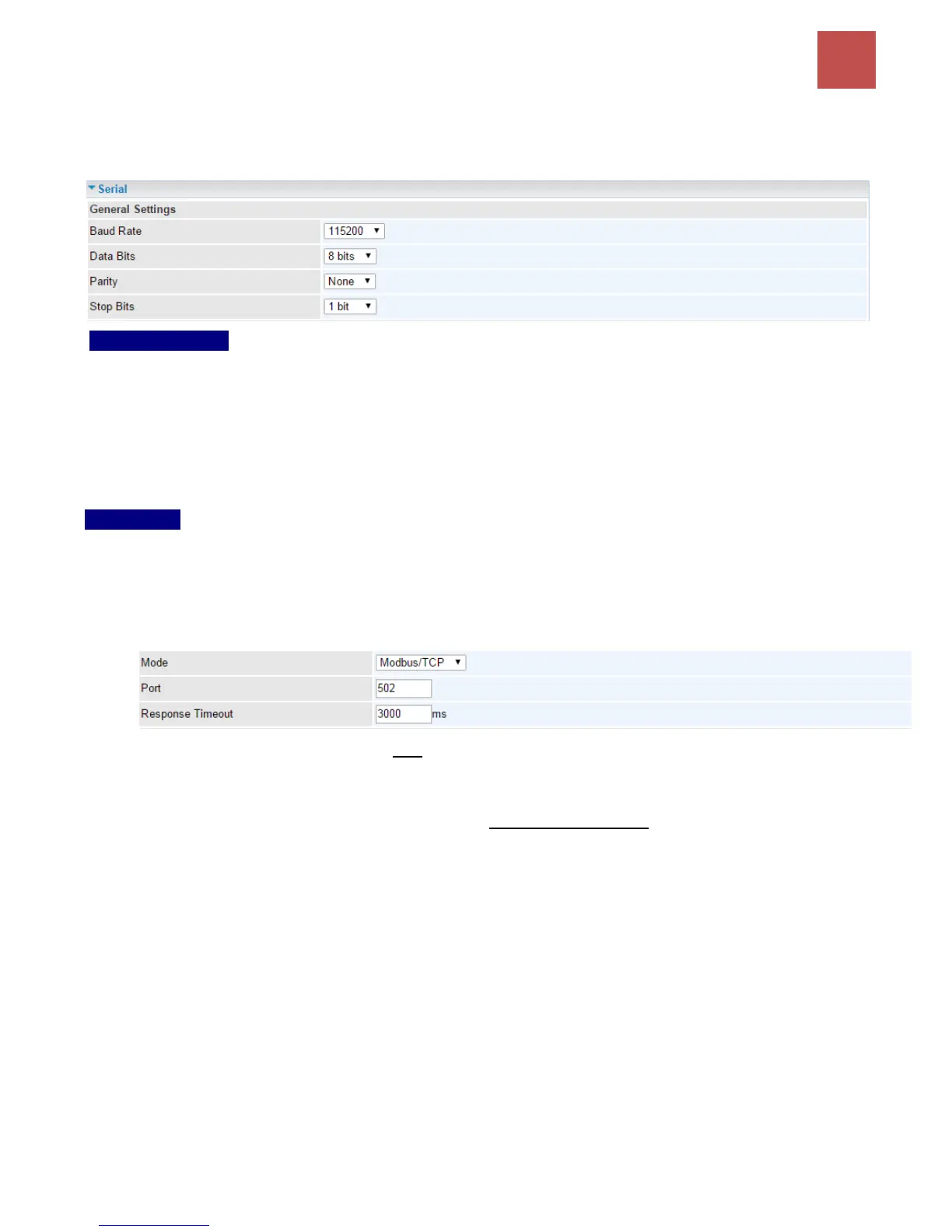
General Settings
Baud Rate: Specify the desire baud rate (speed) run on this serial port
Data Bits: Specify the number of data bits contained in a frame
Parity: A simple form of error detection in a frame
Stop Bits: Specify the stop bits of a frame
Application
Mode: Select a mode among Disable, Modbus/TCP, and Serial TCP
Disable: Disable the serial port, RS-232.
Modbus/TCP: Modbus is a master/slave communication uses IP over Ethernet to carry data
between devices/machines
Port: Generally uses port 502, master and slave must use the same port. Specify port
other than port 502.
Response Timeout (ms): Specify a response time-out in milliseconds. After the
response timeout expires, default is in 3000ms (3 seconds), data transactions will get
aborted.
Here are the possible causes for a timeout to occur:
Serial connection errors between the MX-200 and the serial device
Hardware issue with the Serial device
Serial device response time is longer than the specified Response Timeout value.
Increase the time-out value to see if it helps.



 To Next Page