BEC MX-200 User Manual
Configuring PC in Windows XP (IPv6)
IPv6 is supported by Windows XP, but you need to install it first.
Please follow the steps to install IPv6:
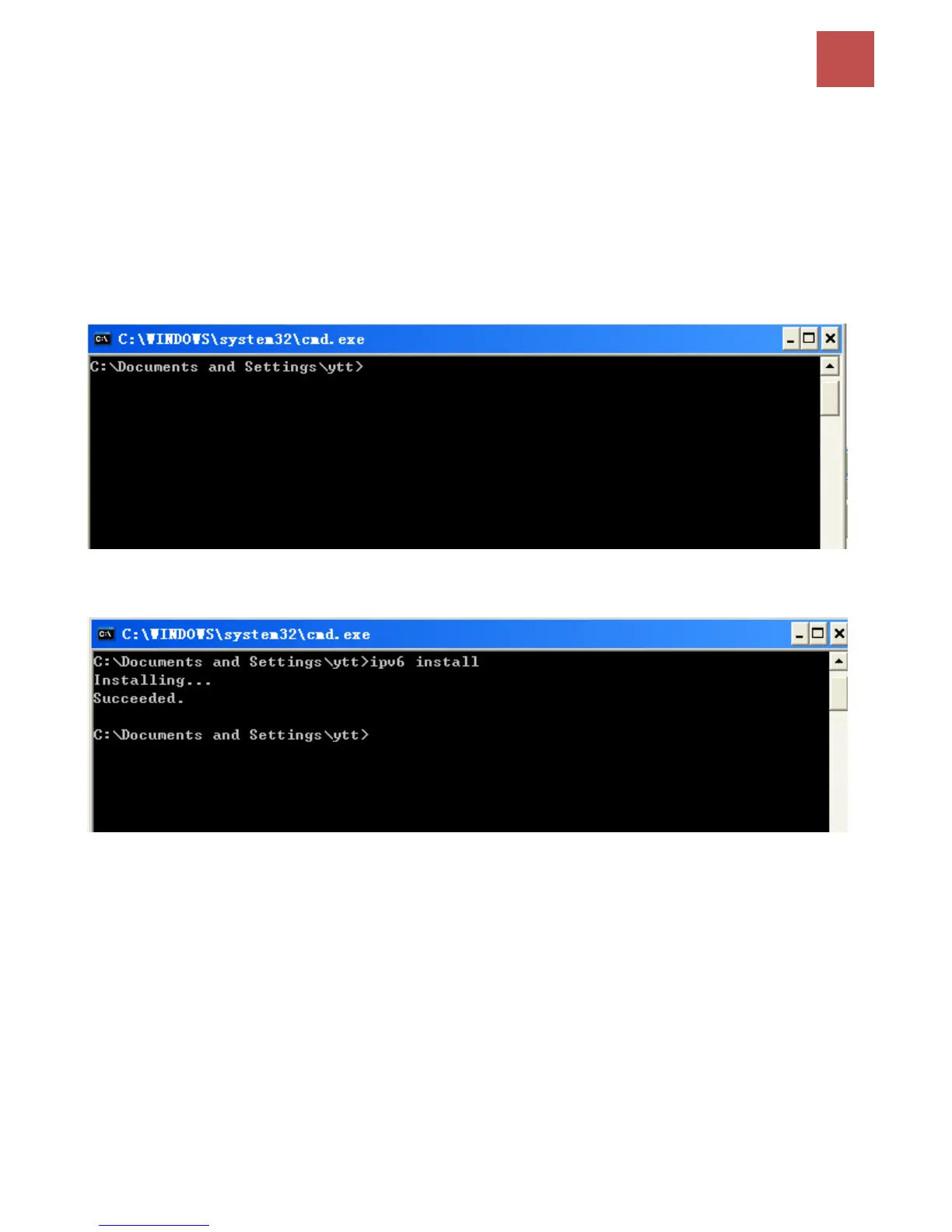
1. On the Desktop, Click Start > Run, type cmd, then press Enter key in the keyboard, the following
screen appears.
2. Key in command ipv6 install
Installation of IPv6 is now completed. Please test it to see if it works or not. .



 To Next Page