BEC MX-200 User Manual
DMZ
NOTE: This feature disables automatically if WAN connection is in BRIDGE mode or NAT is
being turned OFF.
The DMZ Host is a local computer exposed to the Internet. When setting a particular internal IP
address as the DMZ Host, all incoming packets will be checked by the Firewall and NAT algorithms
then passed to the DMZ host, when a packet received does not use a port number used by any other
Virtual Server entries.
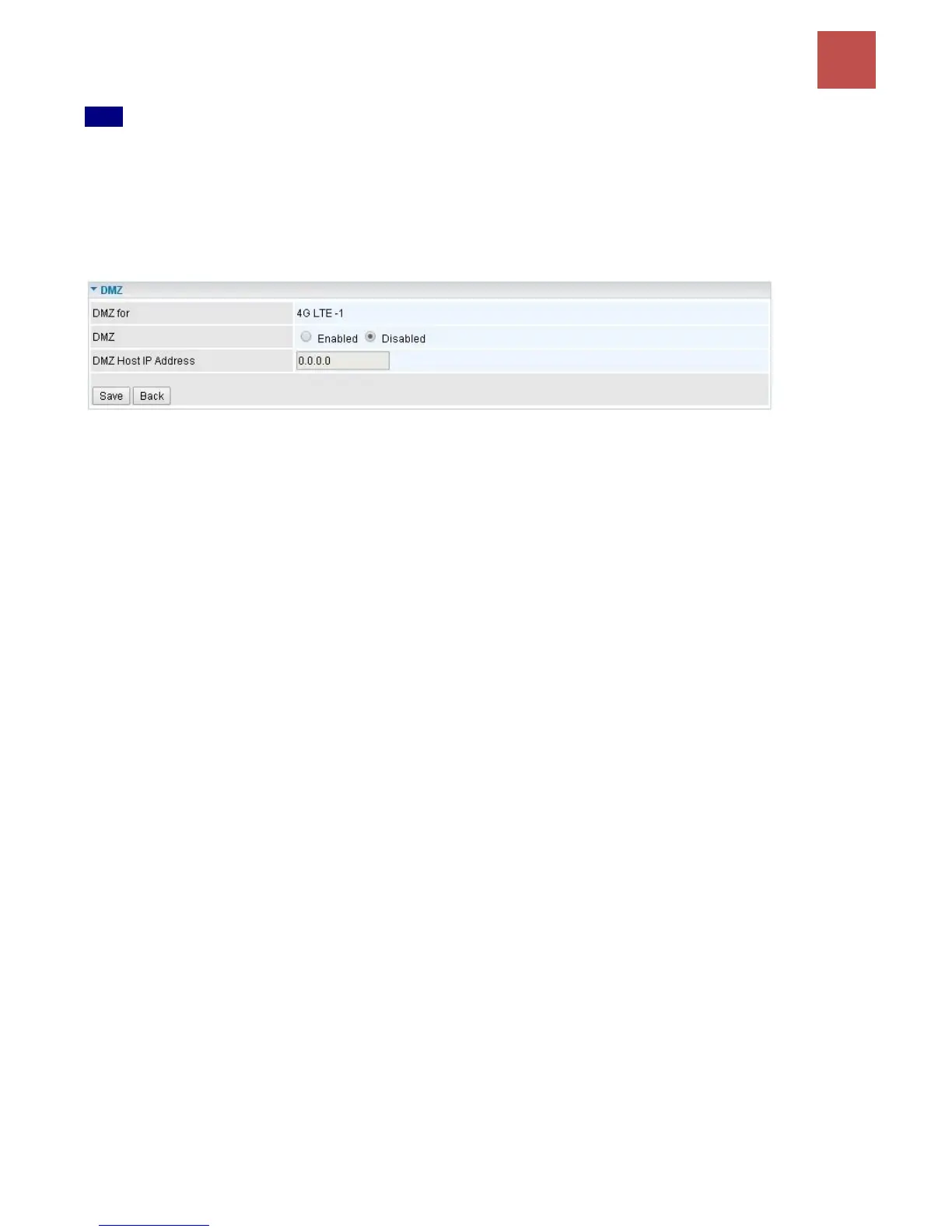
DMZ for (via a WAN Interface): Allows outside network to connect in and communicate with internal
LAN devices via this WAN interface
DMZ:
Enabled: Activate the DMZ function.
Disabled: Deactivate the DMZ function.
DMZ Host IP Address: Give a static IP address to the DMZ Host when Enabled radio button is
checked. Be aware that this IP will be exposed to the WAN/Internet.
Click Save to apply the settings



 To Next Page