117
Telephone mode
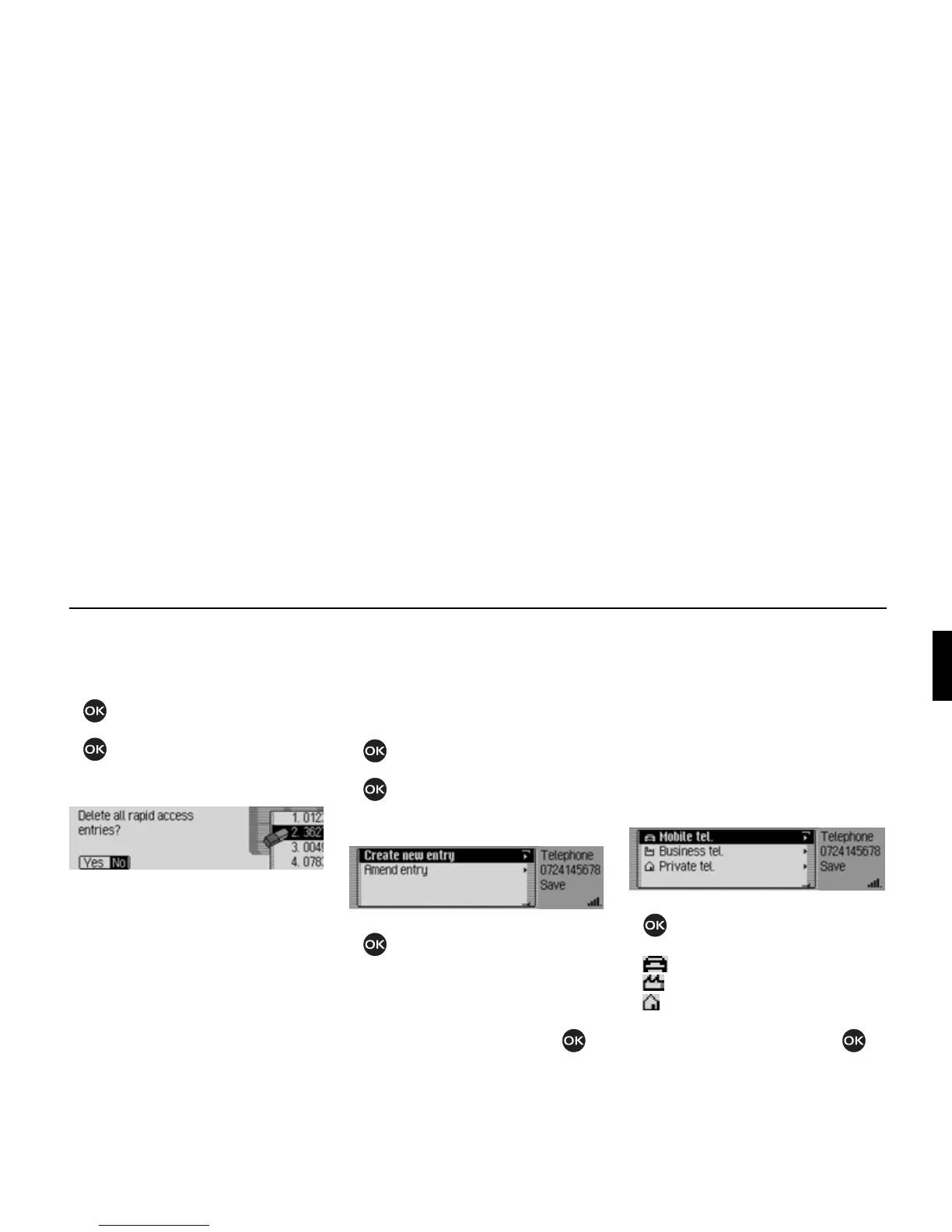
Deleting a list
! Call up the telephone fast access func-
tion.
! Press the rotary control/ push button
until a menu appears.
! Turn the rotary control/ push button
and then press the rotary control/
push button to select the
Delete list en-
try.
! When the prompt appears, select Yes
to delete the list or No to retain it.
If you select
Yes the list will be deleted
in the fast access function.
Saving a number in the address
book
! Call up the telephone fast access func-
tion.
! Select the entry to be saved.
! Press the rotary control/ push button
until a menu appears.
! Turn the rotary control/ push button
and then press the rotary control/
push button to select the
Save in address
book
entry.
! Turn the rotary control/push button
to select one of the following op-
tions:
]reate new entry or
Amend entry.
! Confirm your selection by pressing
the rotary control/ push button .
•
]reate new entry
Select this option to create a new entry
in the address book.
• Amend entry
Select this option to add the current
number to an existing entry in the ad-
dress book.
Creating a new entry
! Select the ]reate new entry entry.
! Turn the rotary control/push button
to select one of the following op-
tions:
Mobile tel.,
Business tel. or
Private tel..
! Confirm your selection by pressing
the rotary control/ push button .
5022
5084
5085















 To Next Page