48
Navigation mode
Options menu
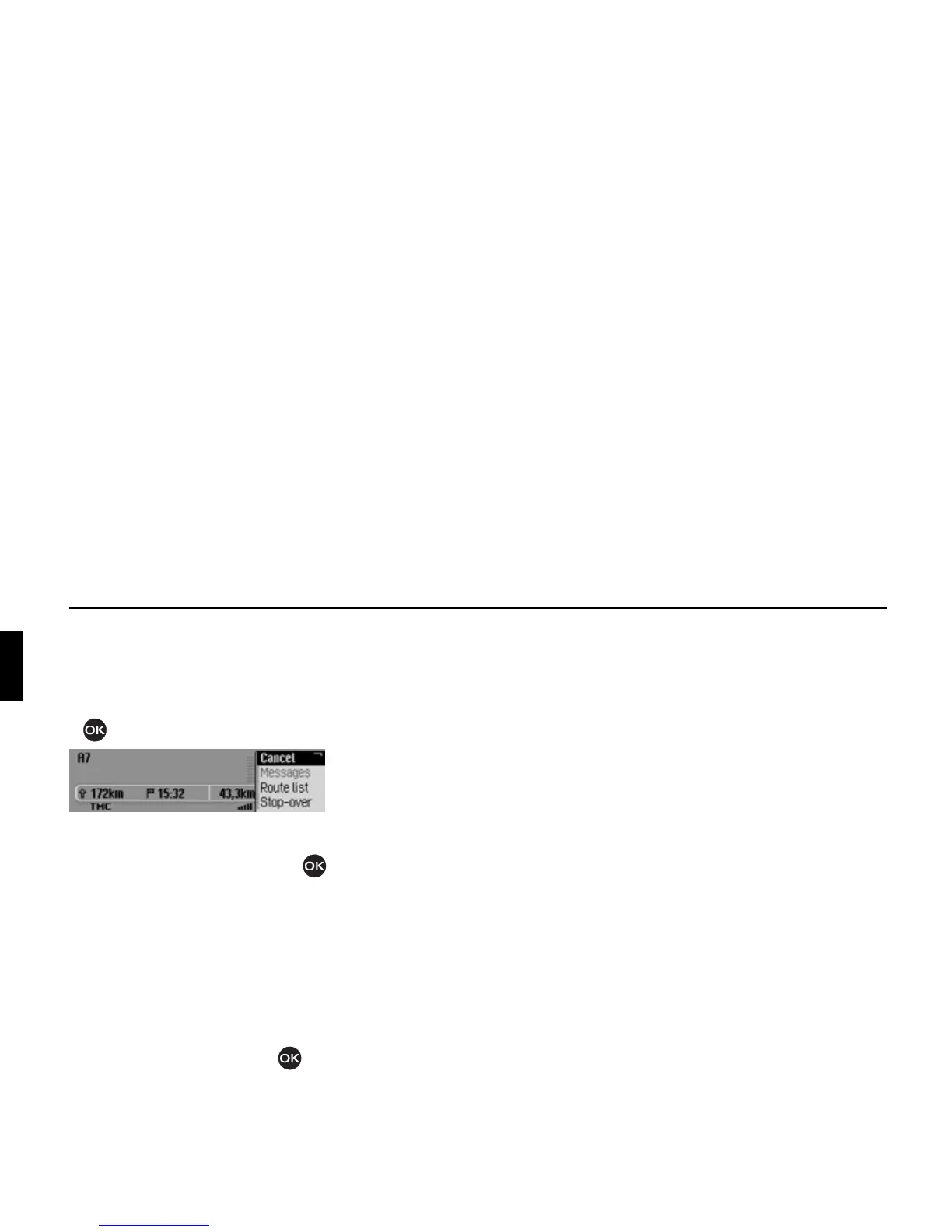
During route guidance, you can call up
the Options menu in the navigation status
screen.
! Press the rotary control/push button
.
The Options menu appears on the right-
hand side.
! Turn the rotary control/push button
to select one of the following options:
]ancel,
Messages,
Route list,
Stop-over (stopover),
Block,
Route opt. or
Announce
! Confirm your selection by pressing
the rotary control/push button .
•
]ancel
You can abort the current route guid-
ance. See “Cancelling route guidance”
on page 49.
•
Messages
You can display/listen to a list of
traffic announcements relevant to the
route. See “Traffic announcements”
on page 49.
•
Route list
You can display the route planned by
the Mexico. See “Route list” on
page 49.
•
Stop-over
You can enter another destination as a
stopover during active navigation. See
“Stopover” on page 50.
•
Block
You can block a section of the route
still to be travelled. See “Blocking a
route” on page 51.
•
Route opt.
You can modify the route options dur-
ing navigation. See “Modifying route
options” on page 51.
•
Announce
You can switch navigation announce-
ments off and then back on again. See
“Switching navigation announcements
on/off” on page 52.
2068















 To Next Page