21
General operation
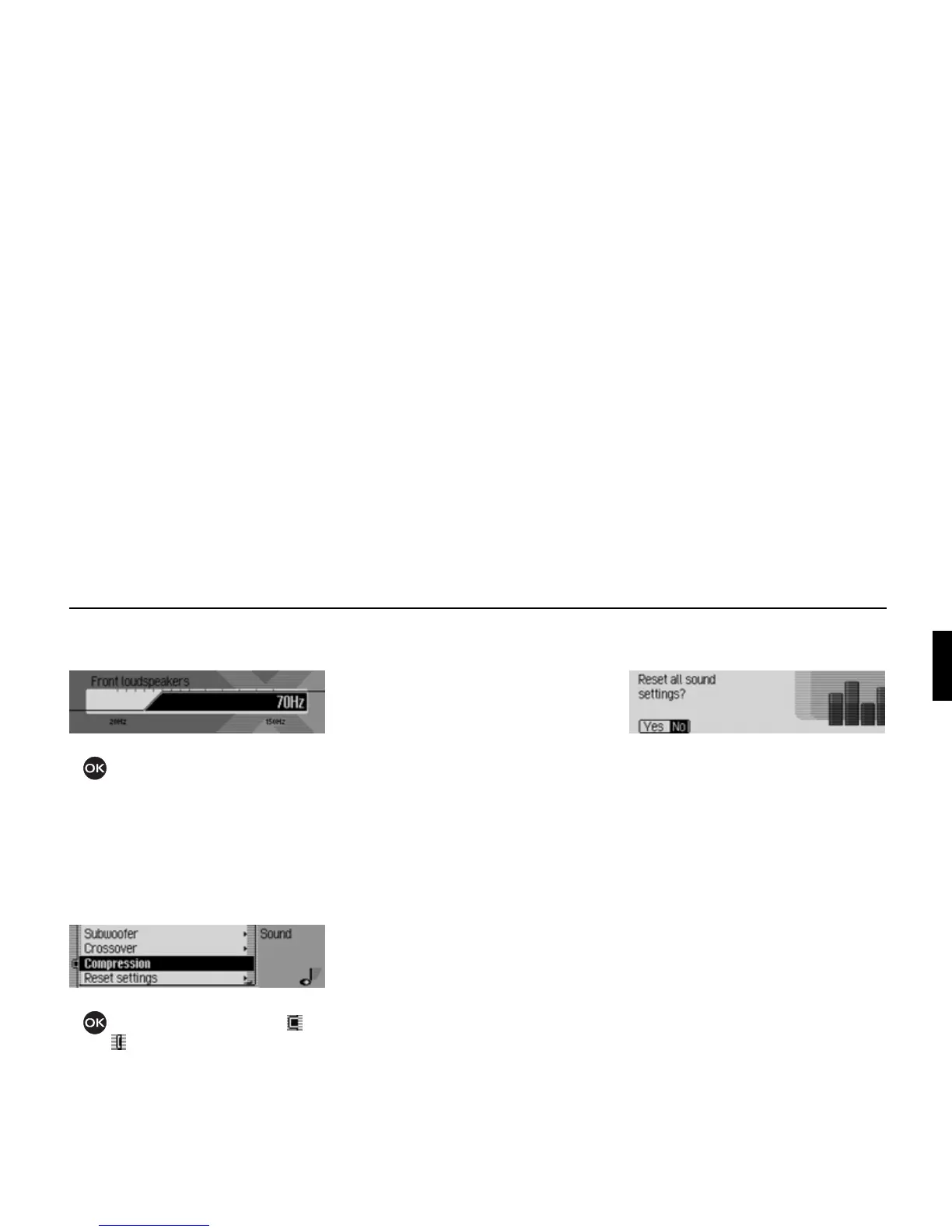
In this example you can see the settings
for the front loudspeakers.
! Turn the rotary control/push button
to select the required value.
Compression
This function enables you to switch the
reduction of the dynamic range of the
audio signal on/off.
! Select ]ompression in the sound set-
tings.
! Press the rotary control/ push button
to switch the function on ( ) or
off ( ).
Reset settings
You can reset all sound settings to the
default settings.
The following settings are reset to the
relevant default value:
•
Equaliser: All default settings are reset
to the initial value. The user-defined
setting is reset to zero.
•
Balance / fader to centre setting
•
Loudness to off
•
Becker surround to off
• Subwoofer to off.
•
]rossover front and rear loudspeakers
to
off, subwoofer to 100 Hz.
•
]ompression to off.
! Select Reset settings in the sound set-
tings.
! Select Yes to reset the sound settings
or
No to continue without making any
changes.
Select
Yes to reset the sound settings.
1026
1027
1020















 To Next Page