61
Radio mode
Radio mode
Switching on radio mode
! Press .
Radio mode is activated. The last wave-
band selected and the last station selected
are set.
Calling up the Radio main
menu
You can make settings for radio mode in
the Radio main menu.
The following description assumes that
you are in the status display.
! Press twice in succession.
or
! Press .
The Fast Access menu appears.
! Select the Radio menu entry.
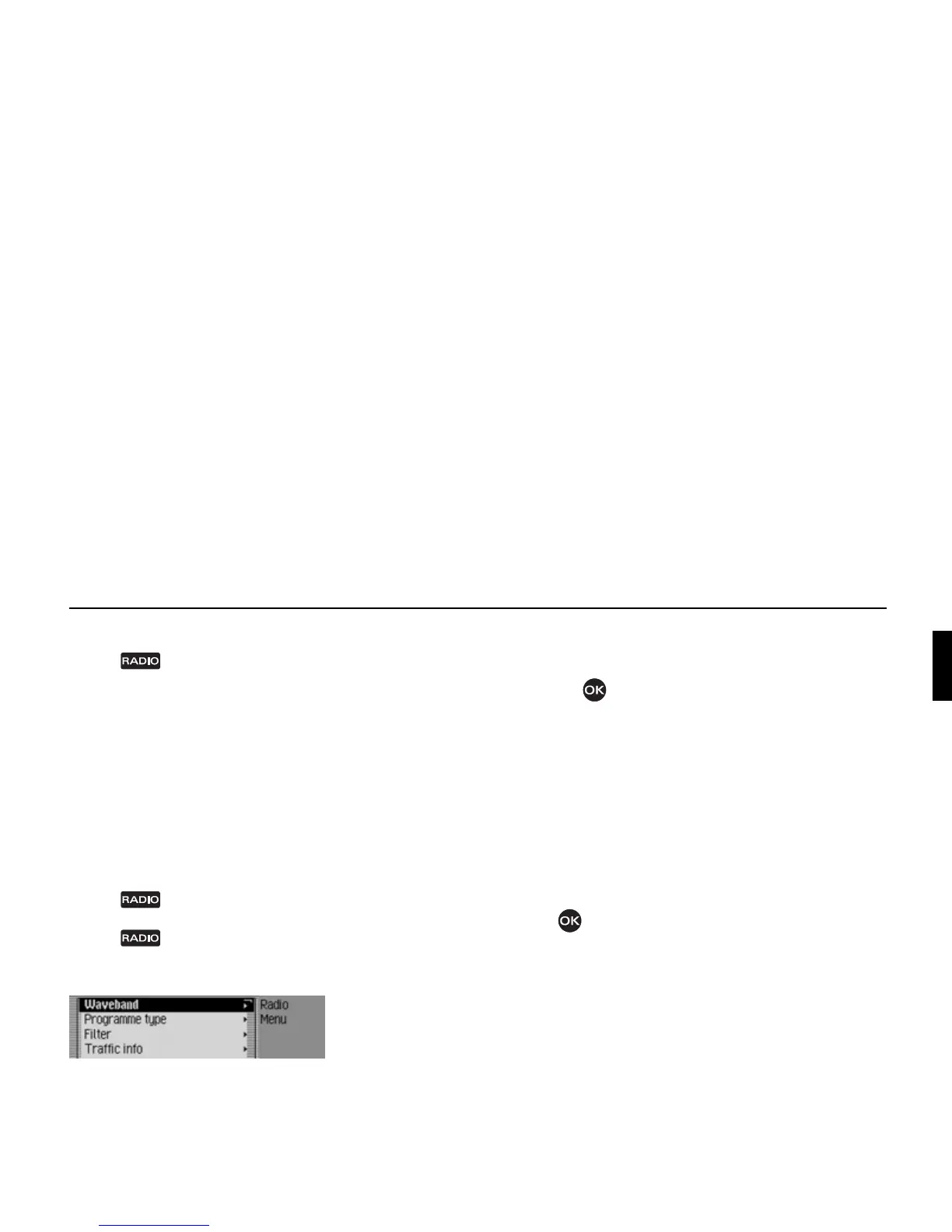
The Radio main menu appears.
The example shows the Radio main
menu for VHF.
! Turn the rotary control/push button
to select one of the following options:
Waveband,
Programme type,
Filter,
Traffic info,
Sound,
Voice entries,
Regionalisation,
Reception optimisation or
Adaptive bandwidth control
! Confirm your selection by pressing
the rotary control/push button .
The required function is called up.
•
Waveband
Accesses the selection menu for the
waveband. See “Selecting a wave-
band” on page 62.
•
Programme type
Accesses the selection menu for the
programme type. See “Programme
type” on page 67.
•
Filter
Accesses the selection menu for the
filter function. See “Filter function”
on page 65.
•
Traffic info
Accesses the selection menu for traffic
programmes. See “Traffic programme”
on page 70.
•
Sound
Accesses the sound settings. See
“Sound settings” on page 17.
• Voice entries
Accesses the selection menu for voice
entries. See “Voice entries” on
page 69.
•
Regionalisation
You can switch regionalisation on/off.
See “Regionalisation” on page 68.
3001















 To Next Page