97
Telephone mode
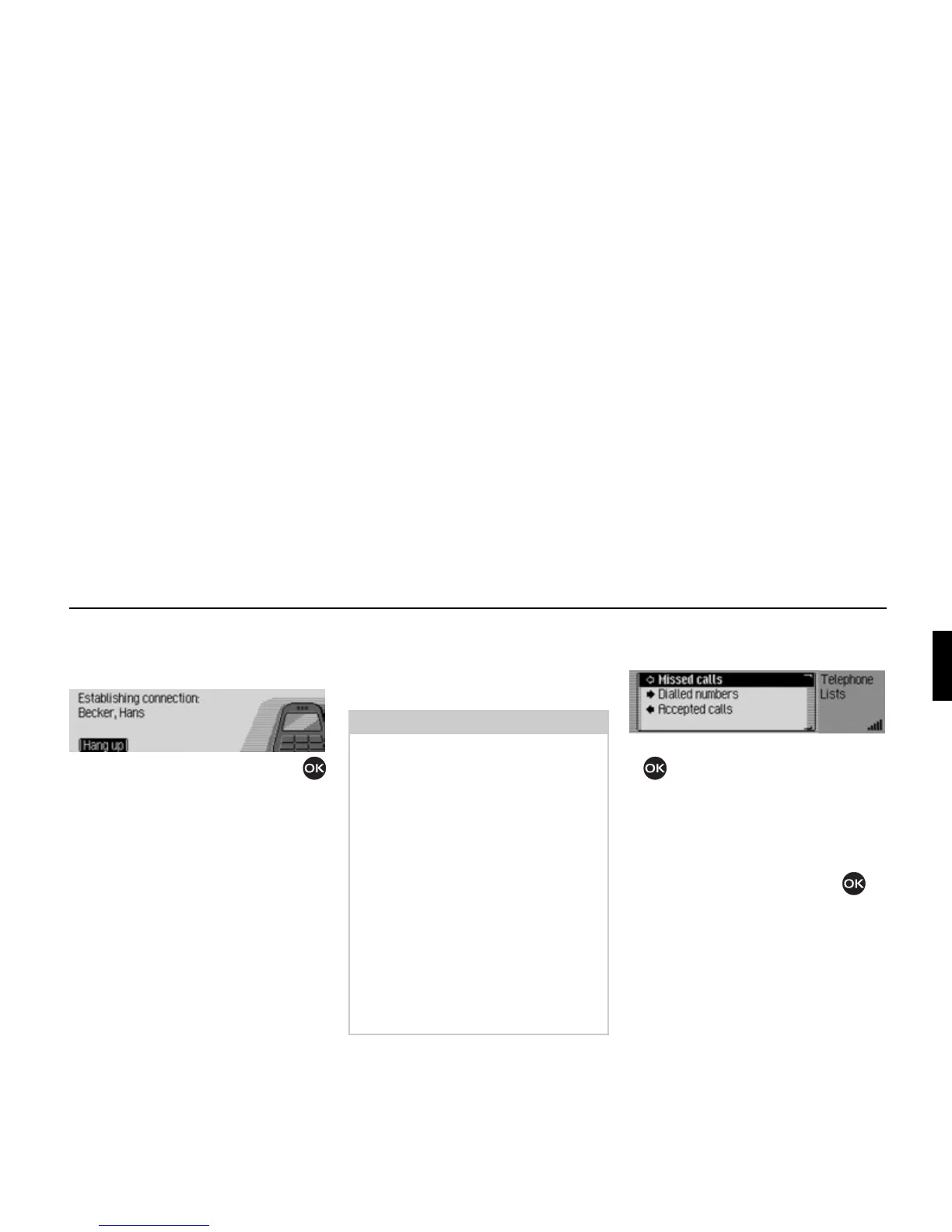
The Mexico indicates that a connection
is being established by displaying the
following message.
Press the rotary control/ push button
to abort the call.
If the person called answers the tele-
phone the Mexico switches to the status
display for active telephone calls.
If the number called is busy, the same
operation options exist as described in
“Number is busy” on page 95.
Call lists
You can obtain a display of the call lists
for missed calls, answered calls and
numbers dialled.
! In the Telephone main menu, select
the entry
]all lists.
! Turn the rotary control/push button
to select one of the following op-
tions:
Missed calls,
Dialled numbers or
Accepted calls.
! Confirm your selection by pressing
the rotary control/ push button .
The desired list is called up.
•
Missed calls
In this list you will find calls which
you missed or which you rejected.
•
Dialled numbers
In this list you will find calls which
you made yourself.
•
Accepted calls
In this list you will find calls which
you answered.
5055
Notes:
• If you have connected a mobile phone
with Bluetooth® wireless technology
to the Mexico, the call lists only ever
apply to the time during which the
mobile phone was connected to the
Mexico. The entries in the call lists of
the Mexico are not synchronised with
the call lists in the mobile phone.
• It is only possible to display the name
of a caller if the caller is listed in the
address book of the Mexico.
• The lists are limited to a maximum of
20 entries.
• If a number is not known it will ap-
pear in the list as
Unknown.
5060















 To Next Page