230
Voice mode
Commands for the
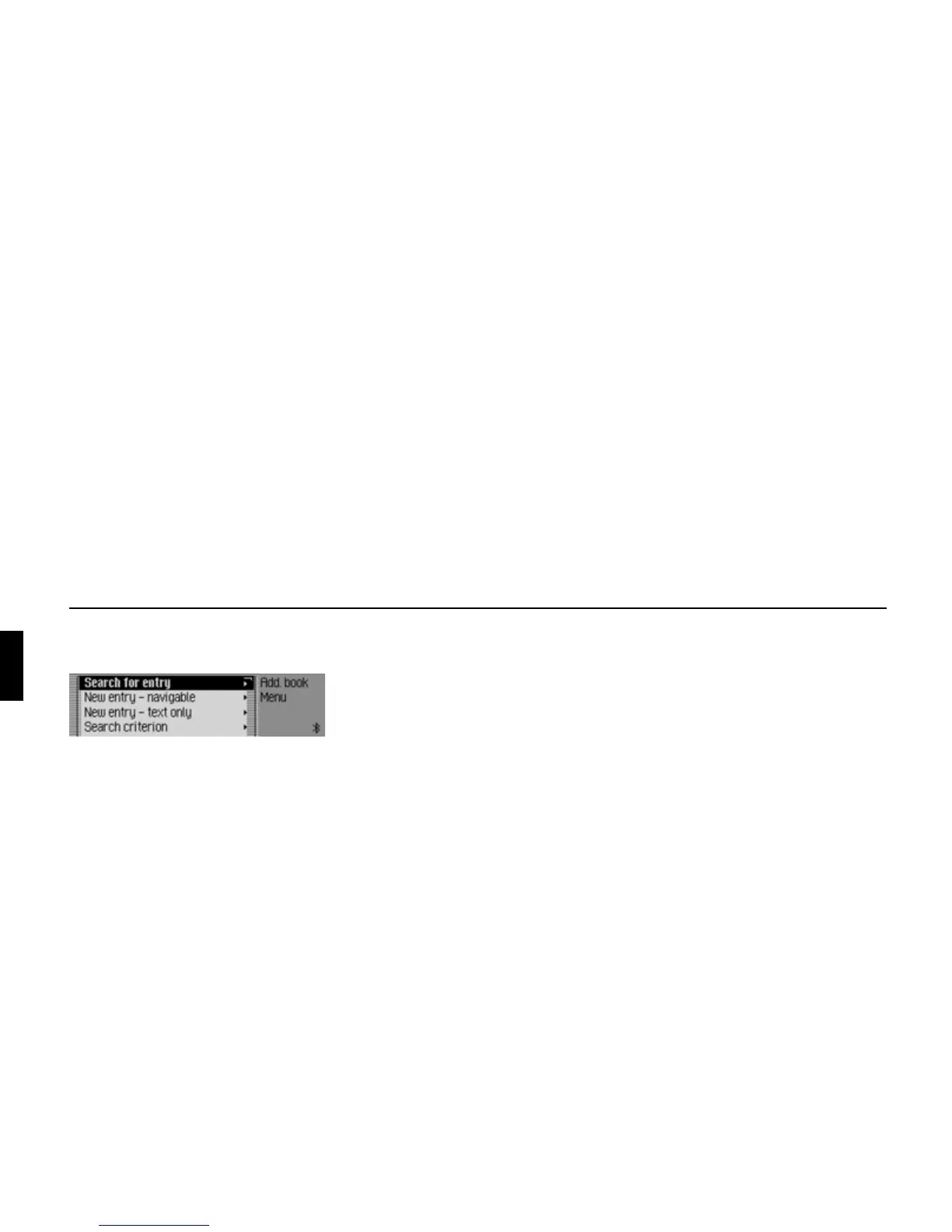
Address Book main menu
In the Address Book main menu, the fol-
lowing commands are available:
• Create a new address book entry which
can also be used by the navigation
system (page 151).
! Say the command New entry nav-
igable.
Alternative commands:
[New] navigable address or [New]
navigable entry.
• Create a new address book entry which
cannot be used by the navigation
system (page 150).
! Say the command New entry text
only or [New] entry text [only].
• Find an entry (page 153).
! Say the command Search for entry
or Search [for] address.
• Call up the Search Criterion menu
(page 154).
! Say the command Search crite-
rion or Set search criterion.
• Set search criterion to name
(page 154).
! Say the command Search by name
or Set search by name.
• Set search criterion to town
(page 154).
! Say the command Search by town
or [Set] search by town.
• Call up Voice Entries menu
(page 156).
! Say the command Voice entries or
Open voice entries.
• Exporting an address book
(page 158).
! Speak the command Export
address book.
• Export address book data (page 157).
! Speak the command Export data
or Export.
• Delete the address book.
! Speak the command Delete ad-
dress book.
Alternative commands:
Delete all addresses, Delete all en-
tries or Delete entire address book.
6002















 To Next Page