180
Settings
Audio
The Audio section includes system
settings for audio mode.
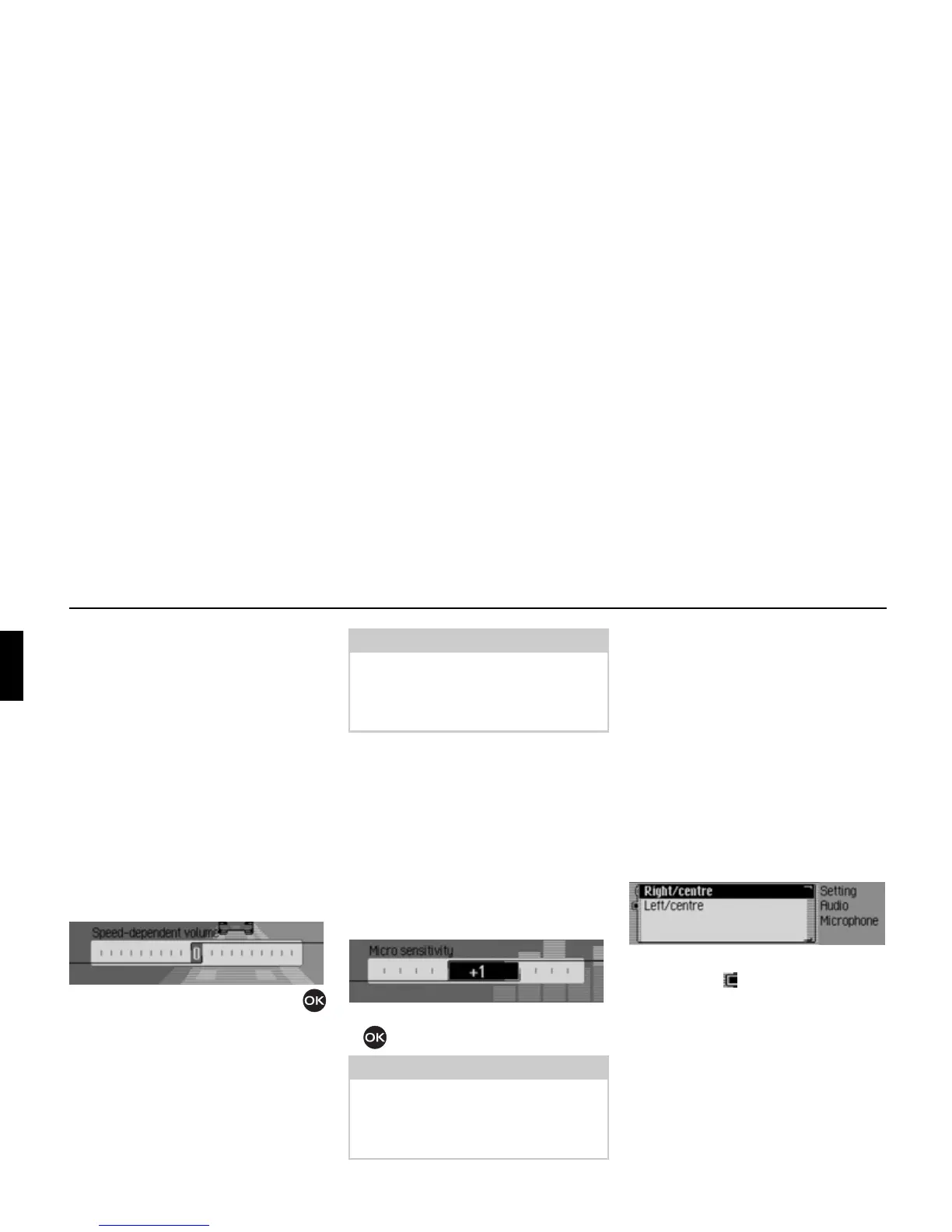
GAL (speed dependent volume)
GAL is a control circuit on the Mexico.
This control circuit automatically
increases the volume of the Mexico
depending on the speed of the vehicle.
You can define the extent to which the
volume should be increased depending
on the speed of the vehicle here.
! Select Audio in the system settings.
! Select Speed-dependent volume.
! Turn the rotary control/push button
to select the required value.
Setting microphone sensitivity
You can adjust the sensitivity of the
hands-free microphone for telephone
calls. This may be necessary, for examp-
le, if the other party finds you too quiet
or too loud.
! Select Audio in the system settings.
! Select Micro sensitivity.
! Turn the rotary control/push button
to select the required value.
Settings for left-hand/ right-hand
drive vehicles
Navigation announcements and
telephone calls/ voice mode
announcements are transmitted via
different loudspeakers. Using this
function you can specify whether your
car is a left-hand drive or right-hand
drive vehicle and therefore set the
transmission accordingly.
! Select Audio in the system settings.
! Select Installation position of microphone.
! Select between Right/centre and Left/
centre
(on = ).
7016
Note:
A setting of “0” indicates no increase in
volume.
A setting of “20” indicates the maximum
increase in volume.
Note:
A setting of "-5" sets the lowest sensiti-
vity.
A setting of "+5" sets the highest sensi-
tivity.
7061
7052















 To Next Page