83
Media mode
! Press the rotary control/push button
to switch the function on ( ) or
off ( ).
Repeating a directory
Activate the function to repeat the cur-
rent directory continuously.
! Turn the rotary control/ push button
to select the
Repeat directory entry
in the Play Mode menu.
! Press the rotary control/ push button
to switch the function on ( )
or off ( ).
Calling up the Media
main menu
You can make settings for media mode
in the Media main menu.
The following description assumes that
you are in the status display.
! Press twice in succession.
or
! Press .
You are now in media fast access mode.
! Select the Media menu entry.
The Media main menu appears.
Switching detailed track display on/off
If detailed track display is activated, a
previously abbreviated track name/ID3
tag is displayed in full, if possible.
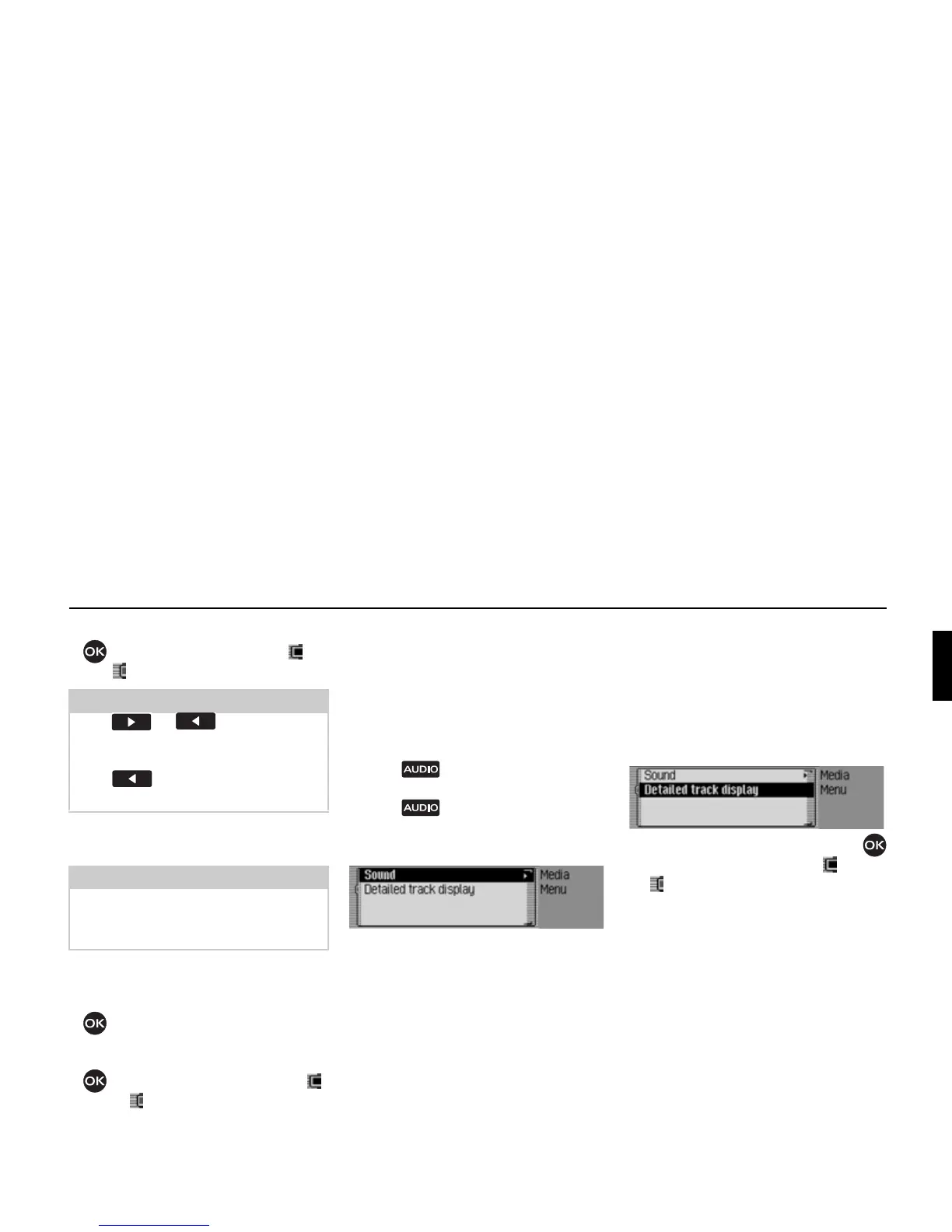
! In the Media main menu, select the
Detailed track display entry.
! Turn the rotary control/push button
to switch the function on ( ) or off
().
Notes:
Press or to play the next
random track. If the current track has
been playing for longer than 8 seconds
when is pressed, the unit jumps
to the beginning of the current track.
Notes:
Function is only available if a memory
card with directories is the current au-
dio source.
4006
4007















 To Next Page