87
Media mode
! Close the media slot as described in
“Closing media slot” on page 15.
or
! Wait until the media slot closes
automatically.
The SD/MMC memory card is now
ready for operation and, if there are MP3
tracks on the SD/MMC memory card,
the first track in the first directory is
played automatically.
If the content of the SD/MMC memory
card has not changed since it was last
inserted, playback begins with the last
track played.
Removing SD/MMC memory card
! Open the media slot as described in
“Opening media slot” on page 15.
! Gently press against the SD/MMC
memory card inserted in the top slot
on the left.
The SD/MMC memory card is released
and ejected a little way.
! Pull the SD/MMC memory card out of
the slot.
!
Close the media slot as described in
“Closing media slot” on page 15.
or
! Wait until the media slot closes auto-
matically.
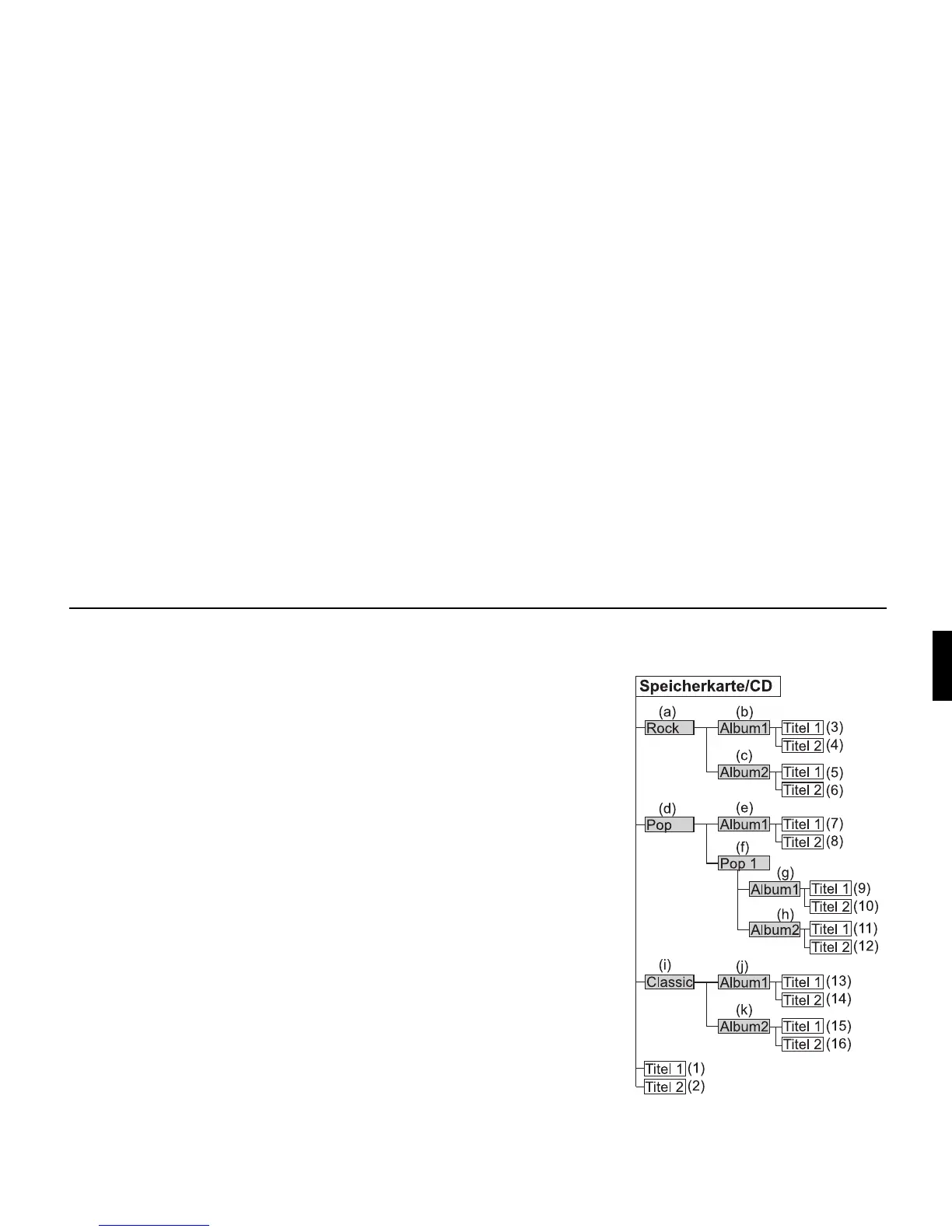
Playback sequence for MP3
storage media















 To Next Page