50
Navigation mode
! Press to exit the route list.
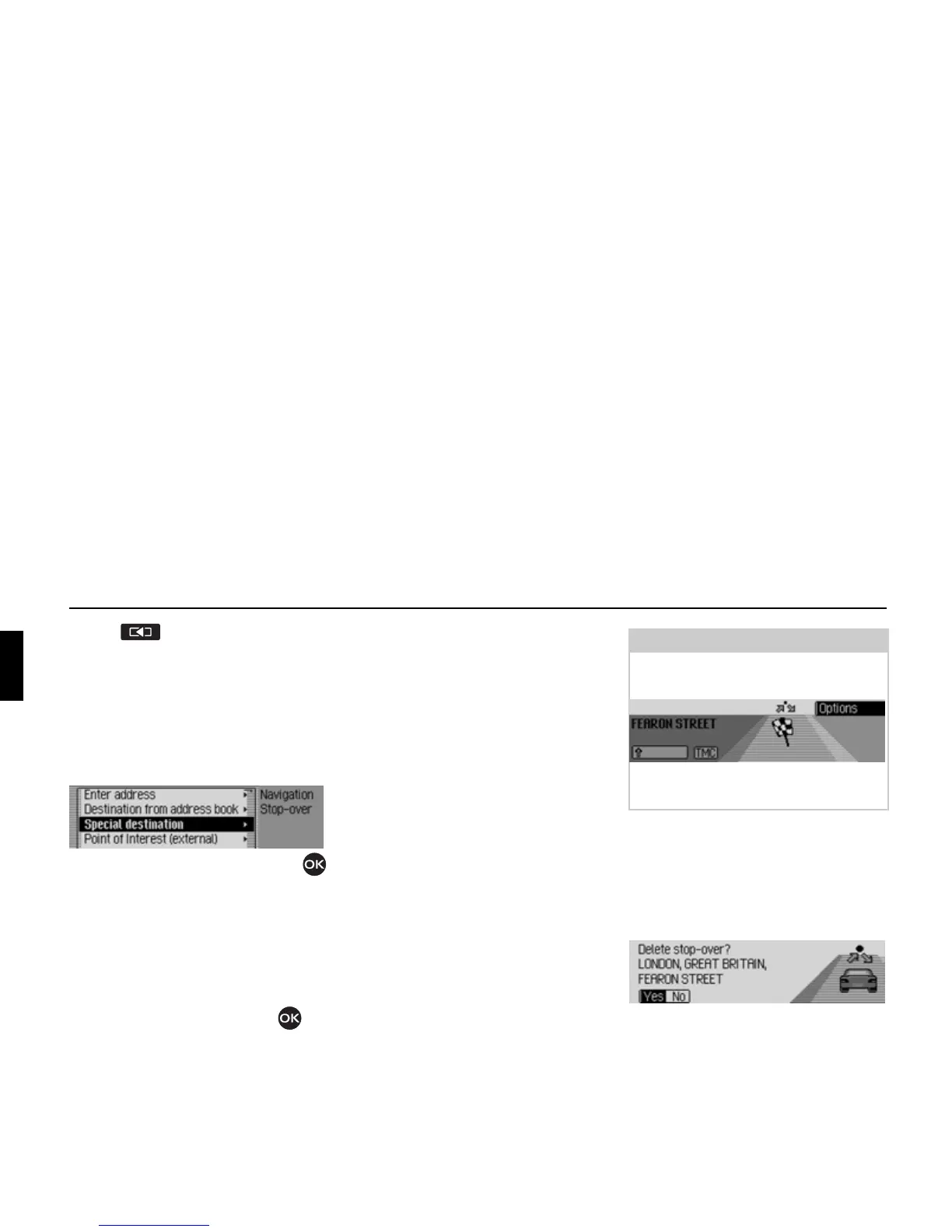
Stopover
You can enter another destination as a
stopover during active navigation.
! In the Options menu, select the Stop-
over
entry.
! Turn the rotary control/push button
to select one of the following options:
Enter address,
Add. book,
SpecialDest,
Point of Interest (external) or
Rapid access
! Confirm your selection by pressing
the rotary control/push button .
•
Enter address
You can enter a complete address as a
stopover as described in “Entering a
destination” on page 26.
•
Add. book
You can enter an address book entry as
a stopover as described in “Selecting a
destination from the address book” on
page 38.
•
SpecialDest
You can enter a POI as a stopover as
described in “Point of interest” on
page 38.
•
Point of Interest (external)
You can enter a POI as a stopover as
described in “External points of inter-
est” on page 43.
•
Rapid access
You can enter a fast access destination
as a stopover as described in “Naviga-
tion fast access” on page 34.
Once the stopover has been selected, the
route is recalculated and route guidance
started to the stopover.
Deleting a stopover
If you have entered a stopover, you can
delete it before reaching it.
! In the Options menu, select the Stop-
over
entry again.
! Select Yes (delete stopover) or No
(retain stopover).
2039
Note:
Once the stopover has been reached, the
following display appears.
Route guidance to the main destination
is started automatically.
2071
2072















 To Next Page