162
Address book
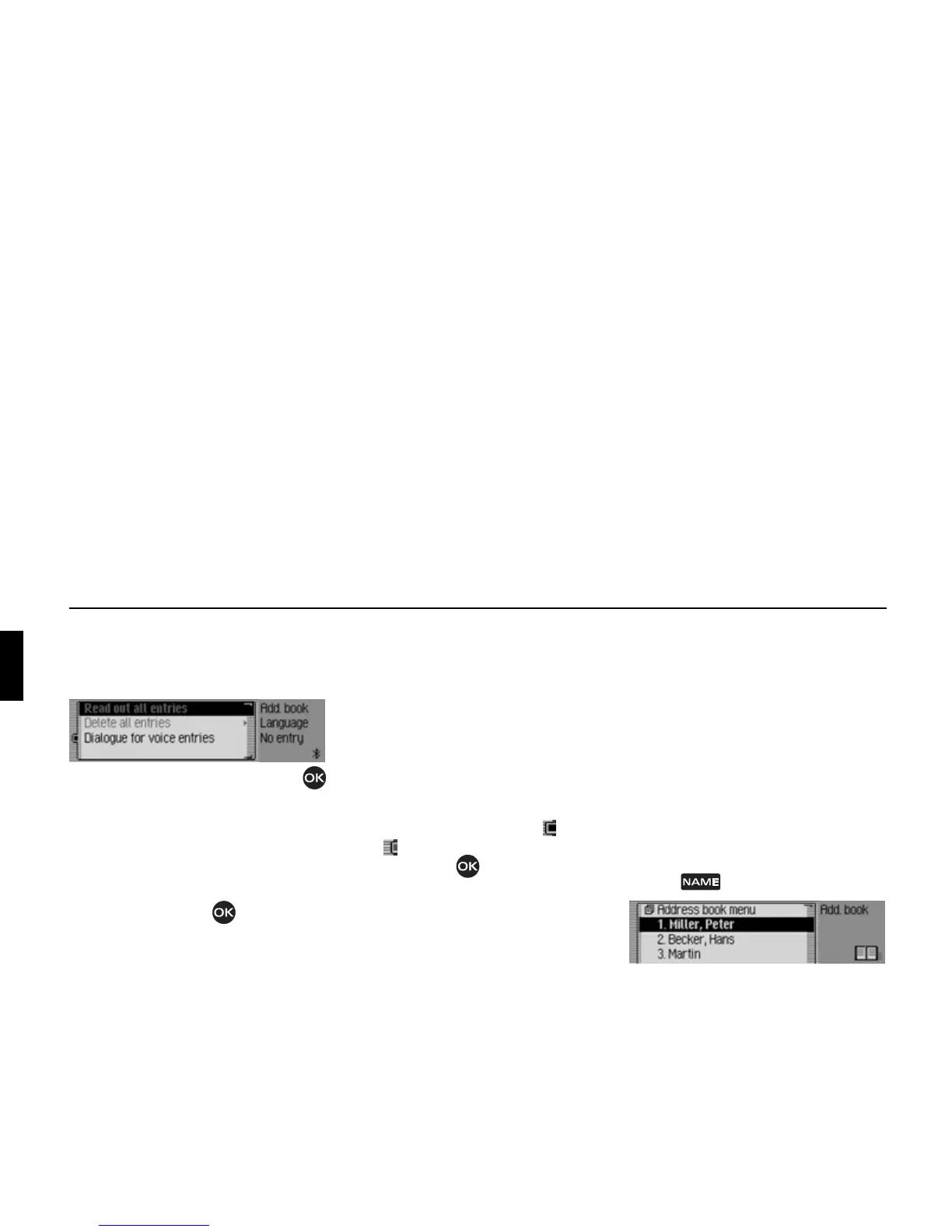
Voice entries
! In the Address Book main menu,
select the
Voice entries entry.
! Turn the rotary control/push button
to select one of the following options:
Read out all entries,
Delete all entries and
Dialogue for saving
! Confirm your selection or switch the
function on/off by pressing the rotary
control/push button .
•
Read out all entries
All voice entries stored are read out.
• Delete all entries
You can delete all stored voice entries.
! When the next prompt appears,
select
Yes to delete the entry or No
not to delete.
• Dialogue for saving
You can switch the automatic dialogue
for recording a voice entry on/off.
! Switch the function on ( ) or off
( ) by pressing the rotary control/
push button .
Fast access functions
The last 20 address book entries used in
the address book appear here.
You may:
• Protect the fast access entries, i.e. the
entry will not be deleted when the
maximum number of entries is
reached. The oldest unprotected entry
will be deleted.
• Delete individual fast access entries.
• Delete the entire fast access list.
! Press .
The address book fast access function
appears.
6025
6001















 To Next Page