24 PROTON User Manual
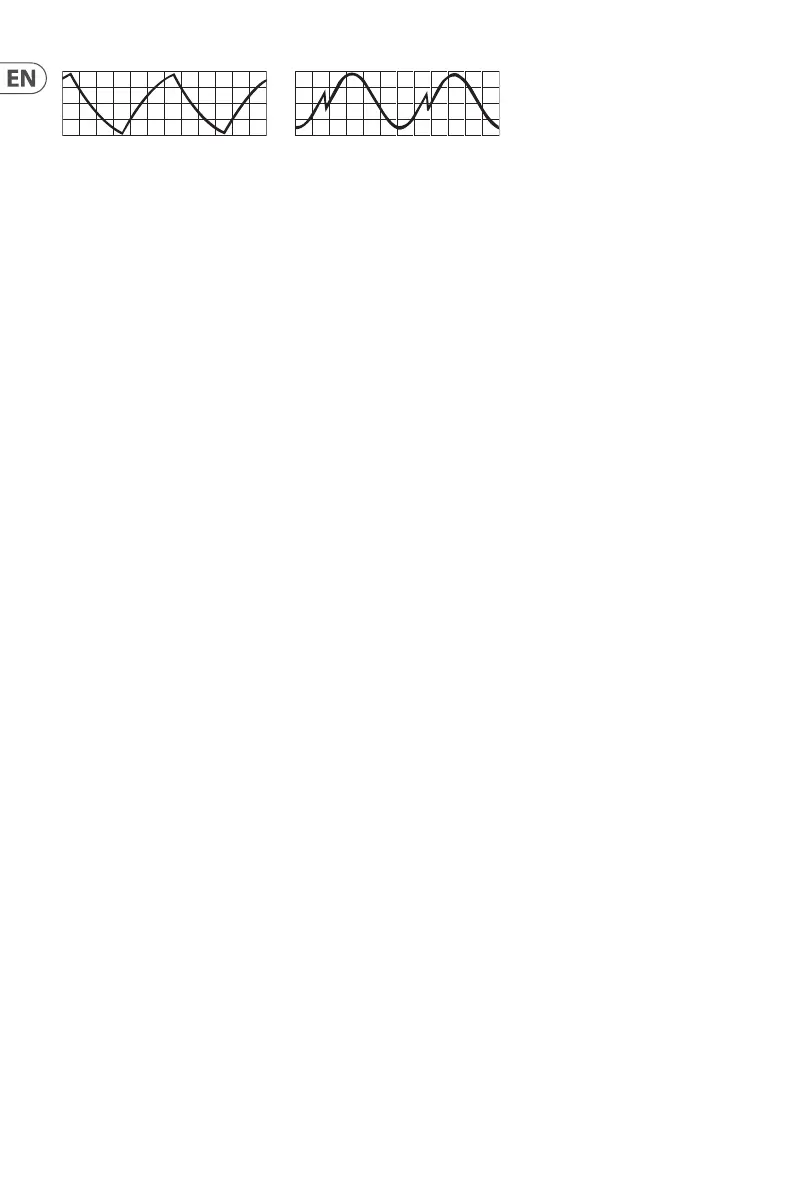
Triangle / Sine Sine / Ram
9.5 1-Shot
When 1-shot is selected a trigger or gate received at the relevant LFO’s trigger in on the In patchbay will cause that LFO’s waveform to
reset to the start of its cycle.
9.6 Sync
Sync synchronizes the selected LFO to incoming MIDI clock. In order for sync to work the relevant LFO must have had sync selected using
the SynthTribe app or using the second panel functions. For LFO 1 press the 1-shot button for two seconds until it ashes, then press sync,
then press 1-shot again to exit. For LFO 2 use the retrig button.
9.7 Retrigger
LFO retrigger resets the LFO’s cycle to the start on the when a key is pressed, regardless of whether another key is already being held
(dependent on note priority). Please note that retrigger will only work correctly when LFO sync is selected, and with a MIDI source.
CV/gate control will work in the same way as 1-shot.
9.8 Key Tracking
Either LFO can have a variable depth key tracking enabled. This can either be done using the SynthTribe app or by using the second panel
functions. For LFO 1 press and hold the 1-shot button for two seconds until it starts ashing, then use the LFO encoder to adjust the
depth. Then press 1-shot again to exit second panel. For LFO 2 use the retrig button.











 To Next Page