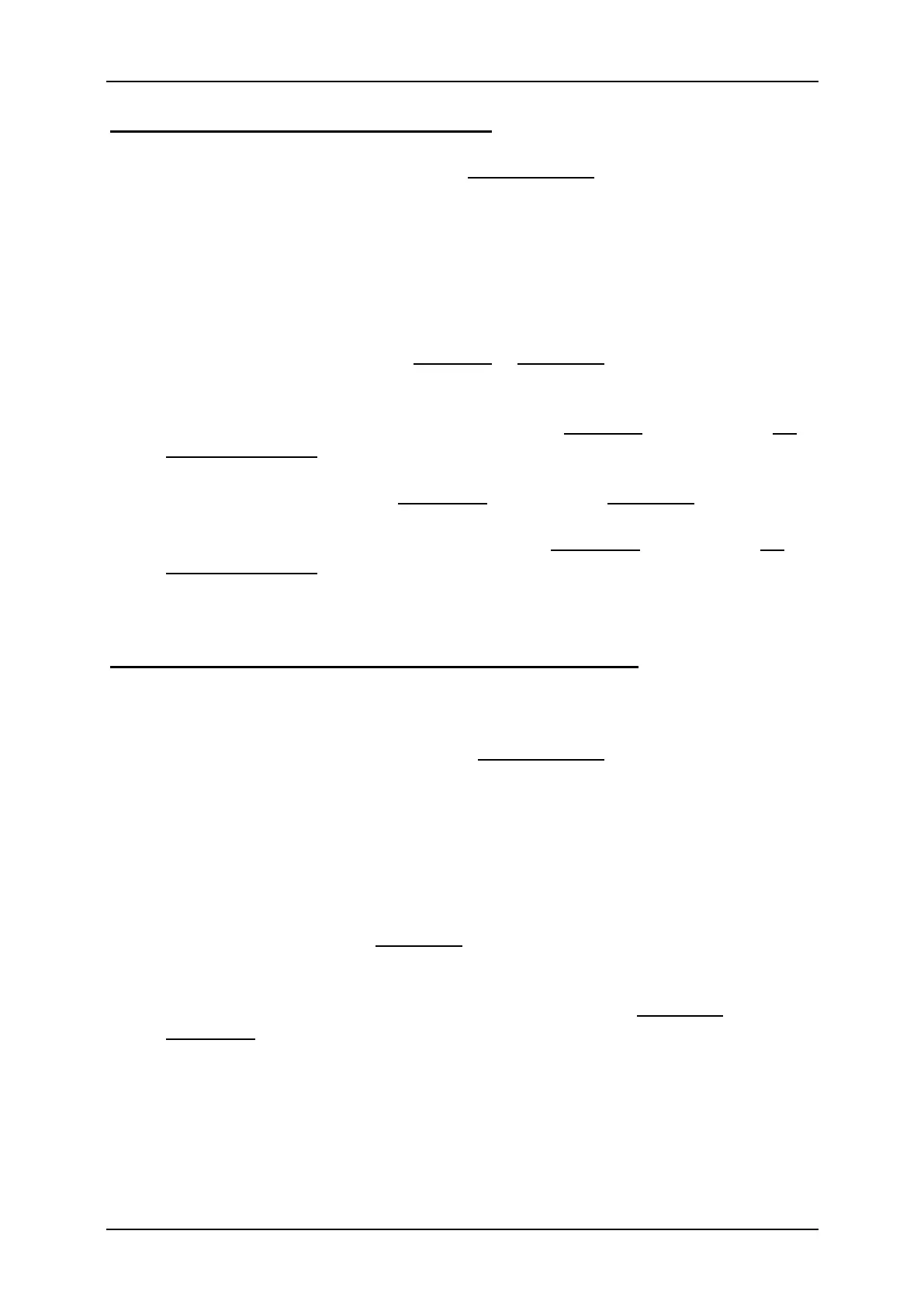
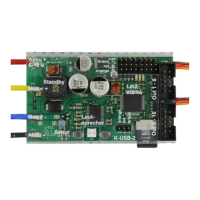
GB Double Sound Speed Controller SFR-1-D
16 BEIER-Electronic 01.03.2020
Setup with two separate speed controllers:
1. Connect throttle channel M1, M2 and all proportional channels you are using.
2. All channels and the trim must be in neutral position on your radio. Switch on
transmitter first and then the SFR-1-D.
3. Activate the setup, with the blue „setup“ button on the SFR-1-D board, until
the green LED flashes fast. The blue LED flashes once.
4. With correct signals at the throttle channel X2/1 and X2/2, all neutral positions
are evaluated and stored. If the red LED is flashing, the SFR-1-D can not
detect a correct signal at X2/1 or X2/2. Please check all connections and start
the complete process again.
5. Press the throttle stick for the left motor to full throttle for one or two seconds
and return to neutral position.
6. Wait until the blue LED flashes two times and lights permanently.
7. Within 20 seconds press the throttle stick of the left motor down and give full
throttle backwards and return to neutral position. The blue LED flashes three
times. The green and red LED are flashing fast.
8. Turn the throttle stick of the right motor completely to full throttle and return to
neutral. The blue LED is flashing 4 times und stays on afterwards.
9. Within 20 seconds turn the throttle stick of the right motor completely to full
throttle backwards and return to neutral. The blue LED flashes 5 times and
turns off afterwards.
10. The green LED stays on and the setup is completed.
Setup with differential via throttle curves or with a fix value:
1. Connect throttle channel X2/1, X2/2 and all proportional channels you are
using. X2/2 is not used in this setting, however for the setup it must be
connected to any receiver output!
2. All channels and their trim must be in neutral position on your radio. Switch on
transmitter first and then the SFR-1-D.
3. Activate the setup, with the blue button on the SFR-1-D board, until the green
LED flashes fast. The blue LED flashes once.
4. With correct signals at throttle channel X2/1 and X2/2, all neutral positions are
evaluated and stored. In case the red LED is flashing, the SFR-1-D can not
detect a correct signal at X2/1 or X2/2. Please check all connections and start
the complete setup again.
5. Press the throttle stick to full throttle for one or two seconds and return to
neutral position. Wait until the blue LED flashes two times and lights
permanently.
6. Within 20 seconds press the throttle stick down and give full throttle
backwards and return to neutral position. The blue LED flashes three times
and switches off afterward.
7. The green LED stays on and the setup is completed.


 To Next Page