GB Double Sound Speed Controller SFR-1-D
48 BEIER-Electronic 01.03.2020
LEDs on the SFR-1-D
There are three LEDs on the sound module to show different conditions.
Green LED
The green LED allways lights up while the supply voltage is connected to X1/A+ and
X1/A-.
Red and blue LED
These two LEDs shows different conditions and errors.
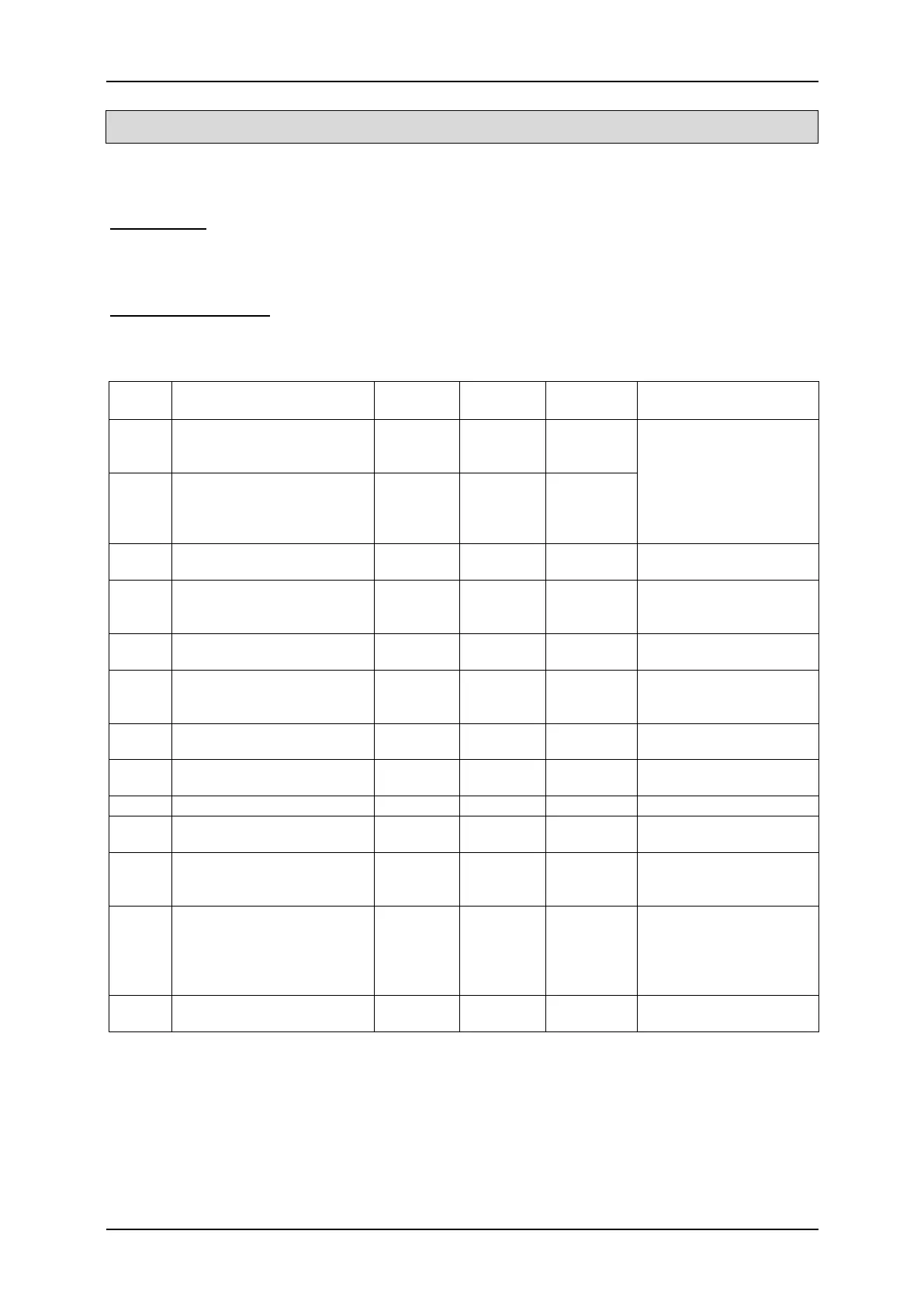
Status:
Status / Error
Actions
1
No data on the SD-card
on
Fast
flashing
on
defect SD card or file
Use a new SD card,
formatting SD card (FAT
32), transfer project file
3 - 11 File read or write error on
Slow
flashing
off
12 Error at amplifier on
off
Get into contact with
BEIER-Electronic
15
Overcurrent at switching
outputs
on on off
and sum current of all
16 Undervoltage on aus
Control of battery
voltage, charge battery
17 Overtemperature on
Slow
flashing
off
improvement of air
18
Overcurrent at
motor M1 – M2
on
off
Control of motor and
motor connection
19
Overcurrent at
motor M3 – M4
on
off
Control of motor and
motor connection
Throttle channel has not
been in neutral yet
Put throttle stick to
middle position (neutral)
Teaching/setup active
Fast
flashing
in order to learn all
Teaching/setup active, no
signal at throttle channel
Fast
flashing
on
transmitter/remote
control, check
connection cable at
Nautic/Multiswitch or sum
signal correctly received
-



 To Next Page