GB Double Sound Speed Controller SFR-1-D
18 BEIER-Electronic 01.03.2020
Volume control
A volume control is possible by an external potentiometer or by different functions
with the radio.
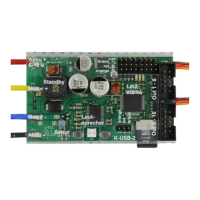
The external potentiometer (100kΩ) is connected to X8 (see wiring diagram, page 9).
If no potentiometer is connected, the maximum
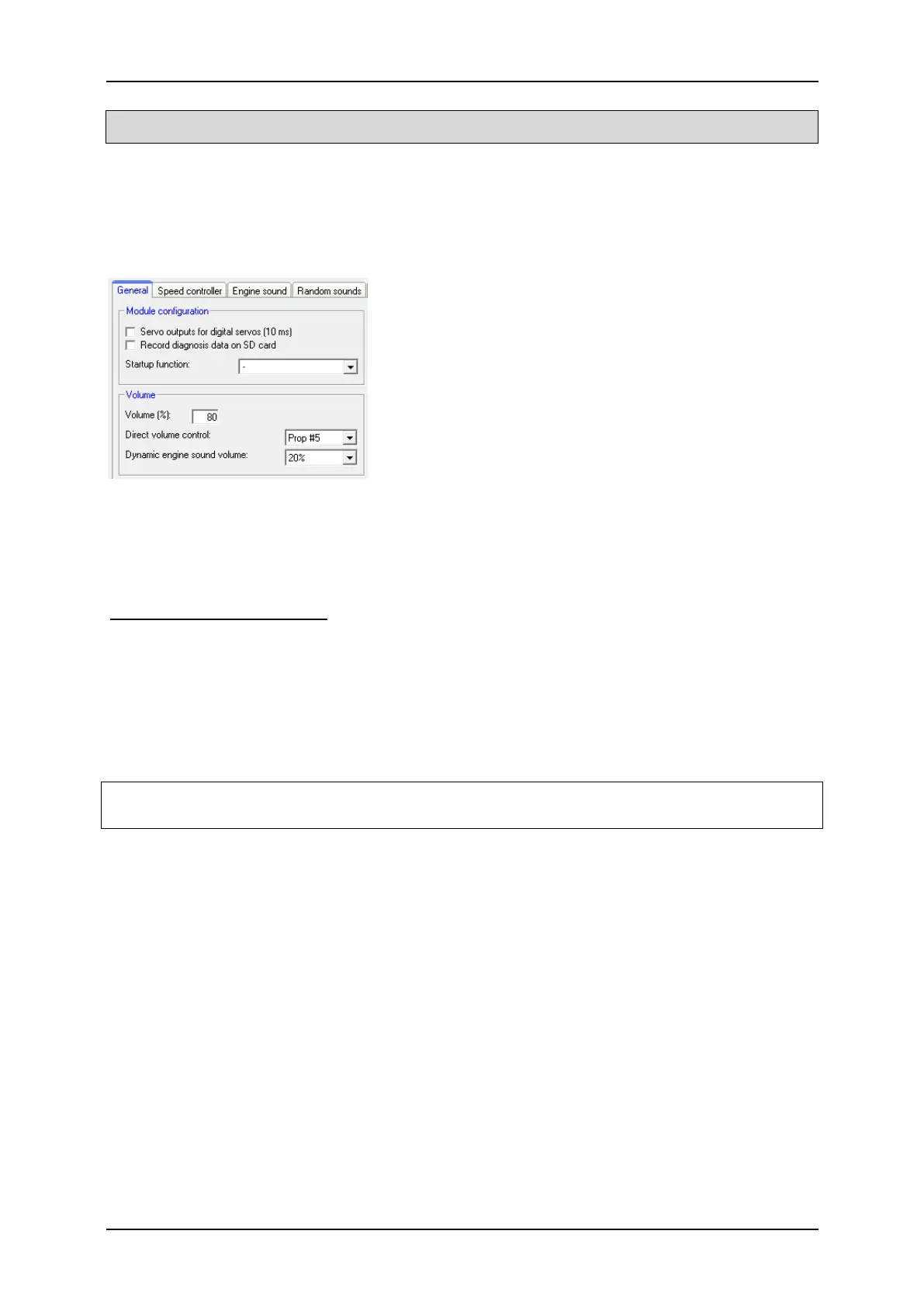
volume, set in the Sound-Teacher (10 – 100 %) at
Configuration General „Volume (%)” is used.
The volume can be steplessly controlled via a
proportional channel and the "Direct volume control"
setting. A slide switch or knob on the remote control
is recommended with this function.
The volume can also be controlled by a switch. The functions “Volume +“ and
“Volume -“, must be configured in the Sound-Teacher e.g. to a proportional channel
or to a nautic/multiswitch.
General notes to volume
Only transfer sounds with an optimal modulation/volume. Common mistakes are far
too quiet recordings that can not be played properly.
The volume of each sound can also be changed individually. You will find the setting
in your Sound-Teacher on the right side of each sound slot. Values between 10 and
300 % (in relation to the original wav-file) are possible.
If more volume-control options are used at the same time, the lowest volume setting
controls the maximum possible volume at the model.


 To Next Page