30
Installation OCTOPUS OS3
Release
03
08/2020
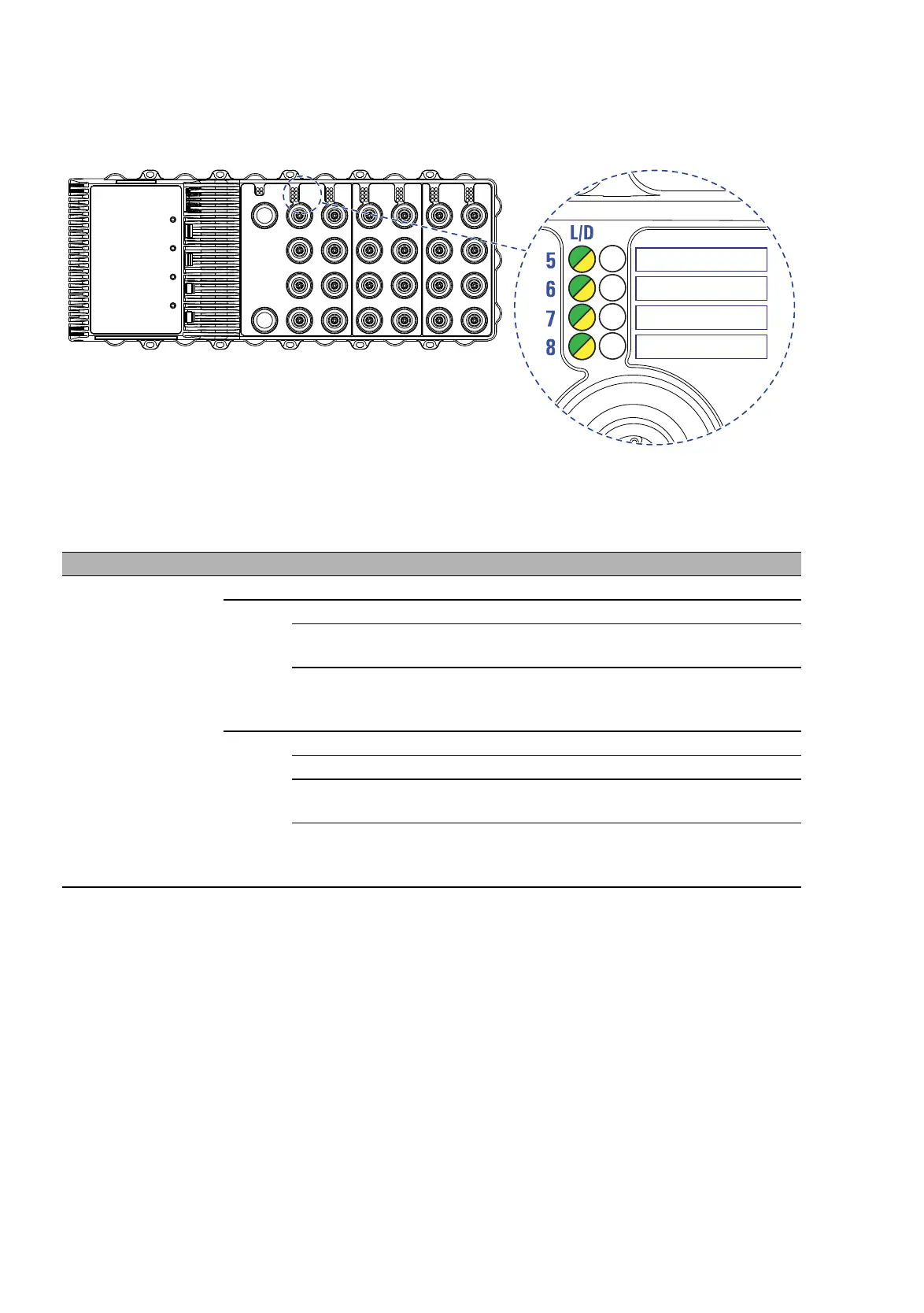
1.7.2 Port Status
Note: The port status is displayed via the left side port LED.
Figure 3: Port status: location of the display elements on the device (front side of
the device)
LED Display Color Activity Meaning
L/D Link status — none Device detects an invalid or missing link
green lights up Device detects a valid link
flashes 1
time a period
Port is switched to stand-by
flashes 3
times a
period
Port is switched off
yellow lights up Device detects a data rate that is not supported
flashing Device is transmitting and/or receiving data
flashes 1
time a period
Device detects at least one unauthorized MAC
address (Port Security Violation)
flashes 3
times a
period
The port is switched to Standby mode or switched
off by the device (auto switch off).
Table 14: Port status














 To Next Page