36
Installation OCTOPUS OS3
Release
03
08/2020
2.2.2 Grounding the device
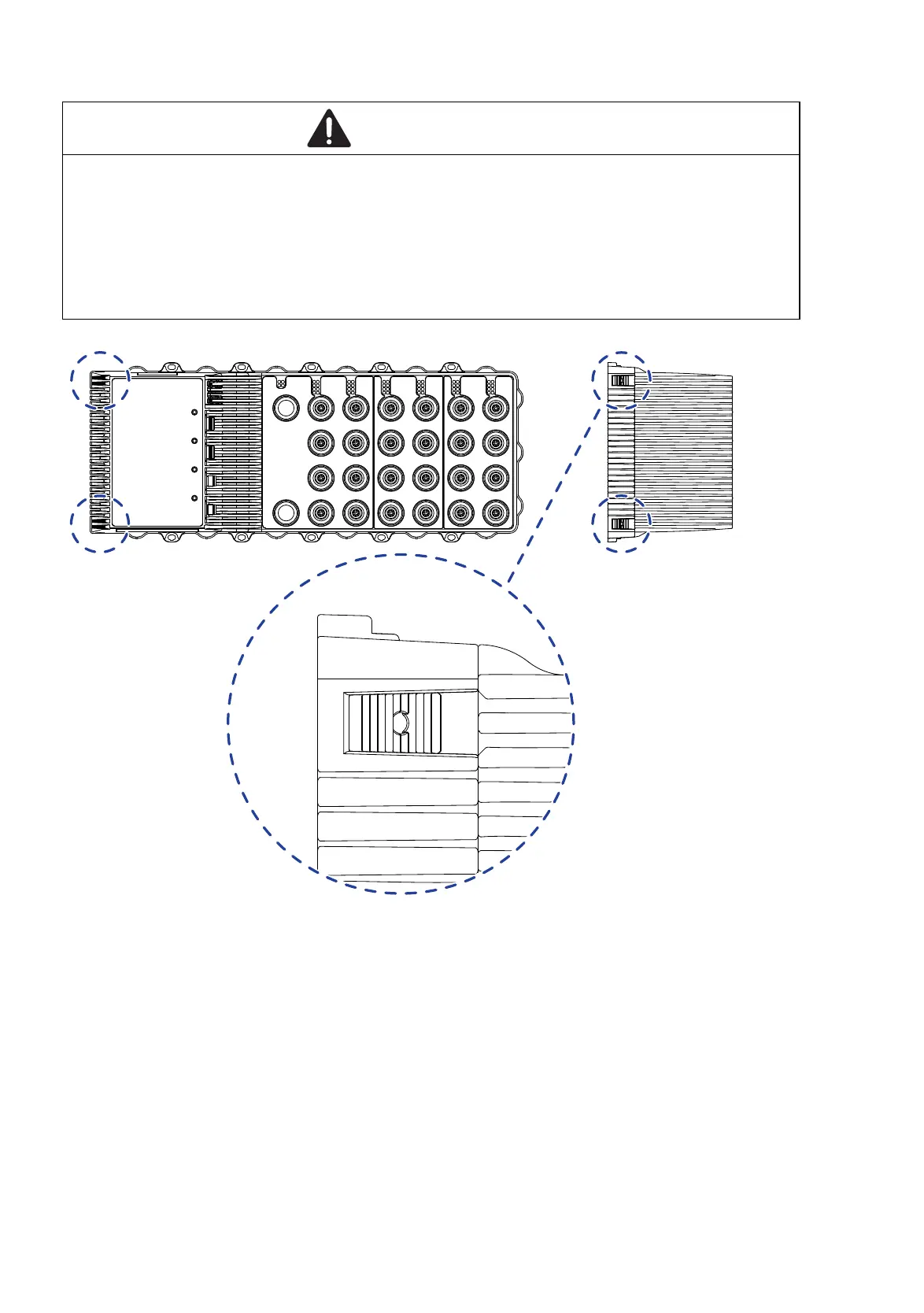
Figure 6: Grounding: location of ground connections on the device (left side of the
device)
For the position of the ground connection on the device see figure 6.
Ground the device via the ground screw.
You find the prescribed tightening torque in
table “Ground connection” on page 48
Note: Depending on the characteristic value of the supply voltage, the device
either has connections for functional ground or protective ground.
WARNING
ELECTRIC SHOCK
Ground the device before connecting any other cables.
Failure to follow these instructions can result in death, serious injury,
or equipment damage.














 To Next Page