Installation OCTOPUS OS3
Release
03
08/2020
37
2.3 Connecting the ferrites
Note: Exclusively for device variants featuring supply voltage with
characteristic value PP:
To adhere to EMC conformity, connect the supplied ferrites to the voltage
input via the power supply cable.
Note: To open the ferrites use the key supplied.
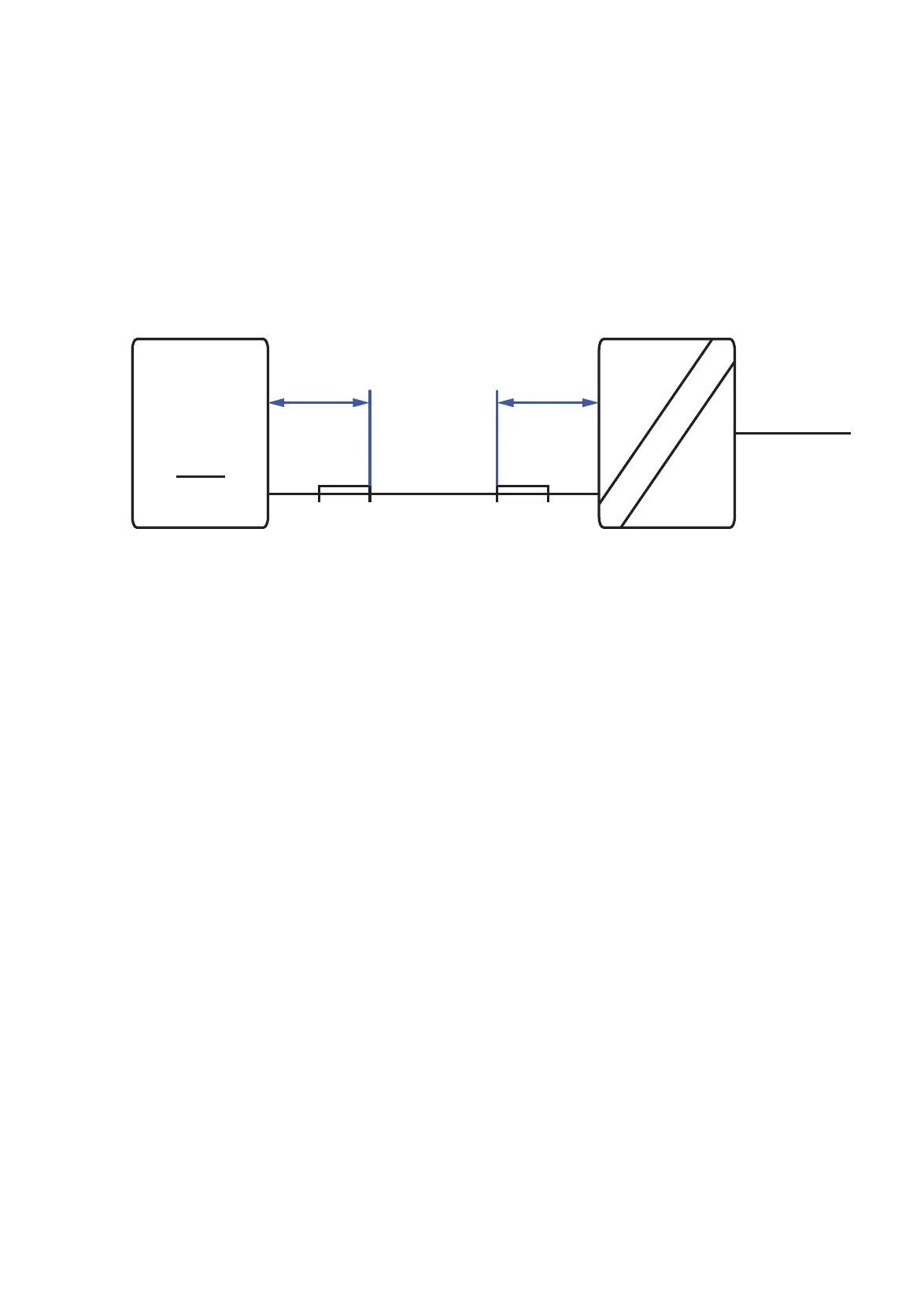
Figure 7: Connecting the ferrites: Installation of the ferrites with power supply
characteristic value PP
Insert the power supply cable through each ferrite 1 time.
Place the ferrites between the external front end power supply unit and
the power supply input of the device (max. 19.7 in (50 cm) distance from
the power supply input of the device or the output of the external front end
power supply unit). See figure 37 “Connecting the ferrites: Installation of
the ferrites with power supply characteristic value PP”.
Lock the ferrites.
max. 50 cm
max. 20 in
max. 50 cm
max. 20 in
54 V DC
72/110 V DC
Device Front end PSU
PSU
characteristic
value PP
ONLY














 To Next Page