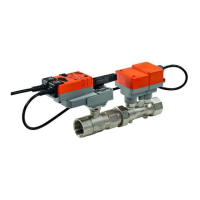
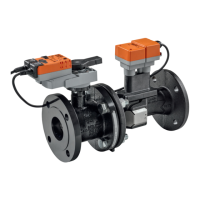
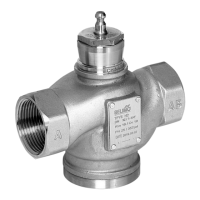
VAV – Module NMV-D2M
N-S3 Operation
Auto – in control mode
Under nor mal circumsta nces the ‘Au to’ mo de is ac ti ve. In this situa tion the VAV /
CAV controller is controlled via the reference input [w] or, in bus mode, via setpoint
issue.
The ‘Operation’ field is for checking the control functions either on-site or
on the manufacturer’s test rig.
N-S3.1 Enable ‘OPERATION’
Pressing this button enables or disables operating step control of the
NMV-D2M.
The ‘OPERATION’ button is disabled when ‘LIVE TREND’ or ‘TEST’ are
active.
N-S3.2 Disable ‘OPERATION’
The preset operating step must be disabled after the ‘Operation’ function
has been used!
If – during active operating step control – the communication conductor
between the PC-Tool and the VAV controller suffers open-circuit, the pre-
set operating step will remain stored in the NMV-D2M.
Reset (power-down) will return the NMV-D2M to Auto mode.
N-S3.3 Status information
Status line when ‘Operation’ is active:
- PC status: ‘Operation’ active
- NMV-D2M status: the preset operating step
N-S3.4 Local override control
In order to ensure active local override control these local commands are
given a higher priority.
e.g.: CAV air box with ‘Close’ override control.
Active local override control – when the NMV-D2M module is also issuing
an operating step – is indicated by means of a red square symbol:
!
modes of operation.
See 4. NMV-D2M Product Information
Auto – with the Tool connected
- Conventional mode: In this situation the VAV /
CAV controller is controlled via the reference input
[w].
- Bus mode: When there is active communica-
tion with an operating device, setpoint issue from
the higher level system (e.g. UK24LON) is inter-
rupted. Without direct setpoint issue from the Tool
the NMV-D2M is controlled from the reference
input [w] (0 V = V’min or, with a sensor connection,
according to the sensor value, 0...10 V).



 To Next Page