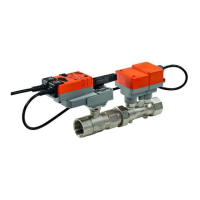
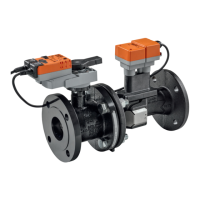
VAV – Module NMV-D2M
N-S5.1 ‘Test’ Diagnosis
That subject is explained in detail in a separate part. Several examples of
CAV- / VAV-boxes that are functioning either correctly or incorrectly are
described in detail. See N-P Diagnosis.
N-S5.3 Status display – Step control
The status display provides information on the Test-Sequence and set-
point issue (Step):
- Check system pressure:
- Display current test step:
N-S5.4 Description of the elements
The ‘Test’ trend display will normally be the same as that from ‘Live
Trend’. See N-S4.1 Trend – Description of the elements.
The input file (defined Test-Sequence) and output file (Test log) are im-
portant for the test application.
N-S5.5 Selecting the operating step
Operating steps cannot be changed manually while ‘TEST’ is active.
N-S5.6 Display of actual values
The display of actual values (‘Operation’ field) is not available during the
Test-Sequence.
N-S5.6.1 Voltage display in ‘Live Trend’
The voltage display for ‘Setpoint NMV-D2M’ and ‘Actual volumetric flow’ is
only available on the ‘Auto’ step during testing.
The NMV-D2M must always be set for conventional applications: Address
setting ‘PP’.
Test-Sequence
Input file



 To Next Page