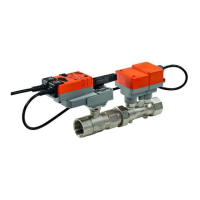
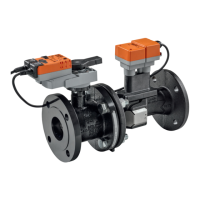
VAV – Module NMV-D2M
N-S4.2.4 Trend file
For each new action the ‘Live Trend’ function generates a text file with a
unique name.
- File name
Default:
- structure: serial number_date_index.tnd
e.g.: 00151-10002-002-029_11.06.2002_e.tnd
User-defined file name:
Enter the trend file name in the ‘Project Data form’ dialogue box.
- structure: 15characters_date_index.tnd
e.g.: Fkt-Prüf-G23-T_04.11.2001_g.tnd
- Storage directory (path)
Default:
As a subdirectory of the PC-Tool program directory:
...\VAVTrend
User-defined path:
The user can select the destination directory in the ‘EXTRAS ¦ OP-
TIONS... ¦ NMV-D2M’ menu. All trend files are then stored in that direc-
tory.
Project Data form <F4>
This allows the project-specific and trend-
specific data, such as file names, to be en-
tered.
The data is used by the log, print, trend and
test functions. The data entries remain valid
number of trend files will be accumulated.
Therefore, after plotting, it is advisable to:
- transfer the data to a project directory
- delete the data if it is no longer needed



 To Next Page