60
G+ MIMO Wireless Modem Router
SECTIONSTable of Contents 1 2 3 4 5 7 8 9 106
USING THE WEB-BASED ADVANCED USER INTERFACE
Saving a Current Configuration
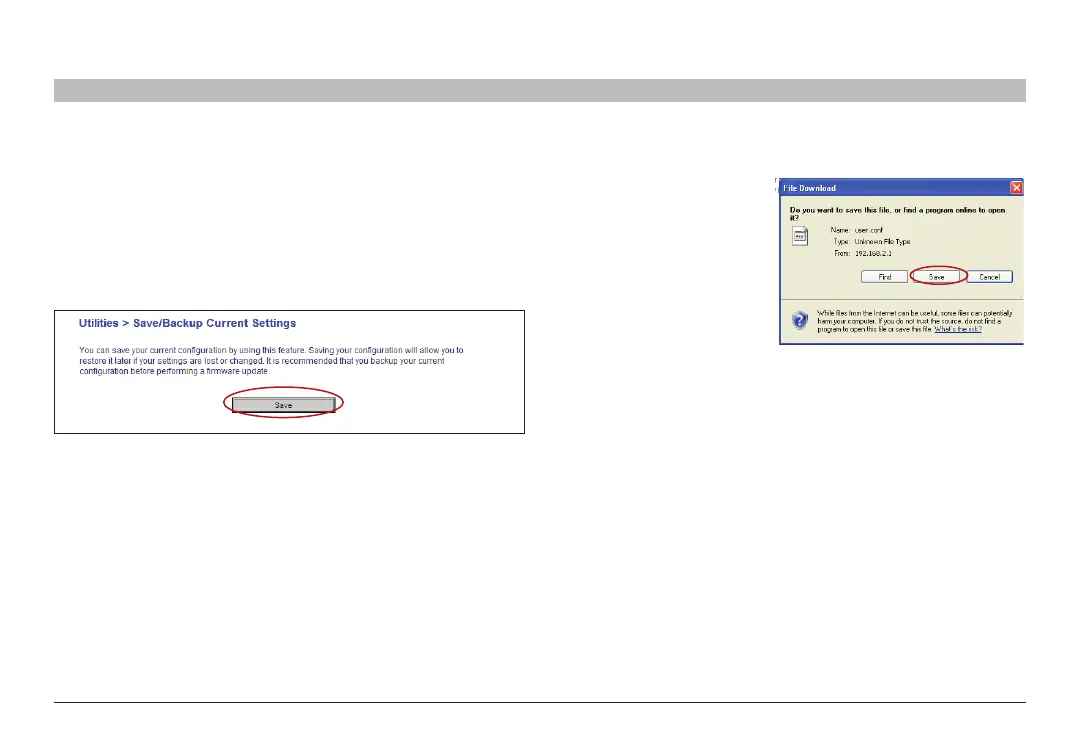
You can save your current configuration by using this feature� Saving
your configuration will allow you to restore it later if your settings are
lost or changed� It is recommended that you back up your current
configuration before performing a firmware update�
1. Click “Save”� A window
called “File Download” will
open� Click “Save”�











 To Next Page