HDS-14LSX / HDS-14LSXE Lifts 24 P/N 5900162 — April 2018 — Rev. F3
Installing the Runways
Your Lift has two Runways:
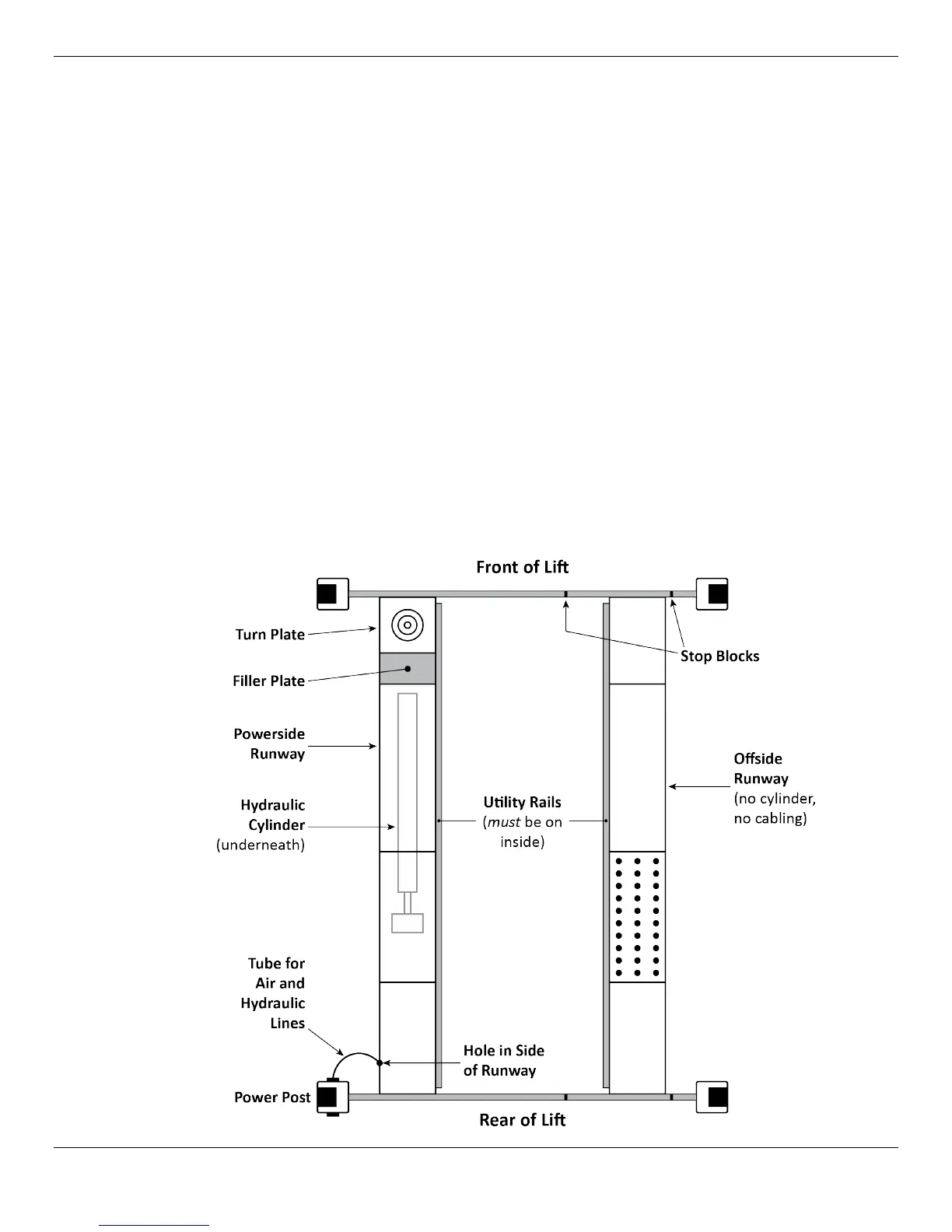
• Powerside Runway: Has the Lift’s Hydraulic Cylinder underneath it. Gets bolted into position.
Has a hole on the outside (near the Rear of the Lift) that lets you route the Hydraulic Line, Air Lines,
and Return Line to the Power Unit. Cable routing starts under the Powerside Runway.
• Offside Runway: Is not bolted into position, so you can adjust the width between Runways; the
Stop Blocks prevent it from moving too far to either side. The Offside Runway does not have a
Hydraulic Cylinder under it, nor are there any Cables under it.
Orient the two Runways this way:
• Turn Plates at the Front of the Lift (the end opposite end from the Power Post and Ramps)
• Utility Rails on the inside
In this configuration, the Powerside Runway will be on the left and the Offside will be on the right,
which is the orientation you want.
You can double check this by:
• Looking under the Runways. Only the Powerside Runway has a Hydraulic Cylinder underneath.
• Finding the ~1.5-inch wide hole in the side of the Powerside Runway at the Power Post. There is
only one hole, it is only on the outside of the Powerside Runway, and it is next to the Power Post.
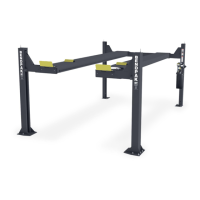
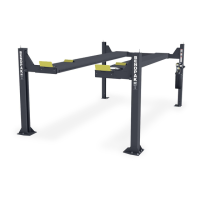
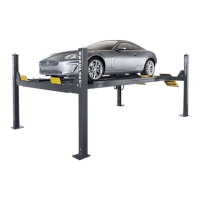
The following drawing shows the correct orientation of the Runways.


 To Next Page