Parts of the display and their functions 27
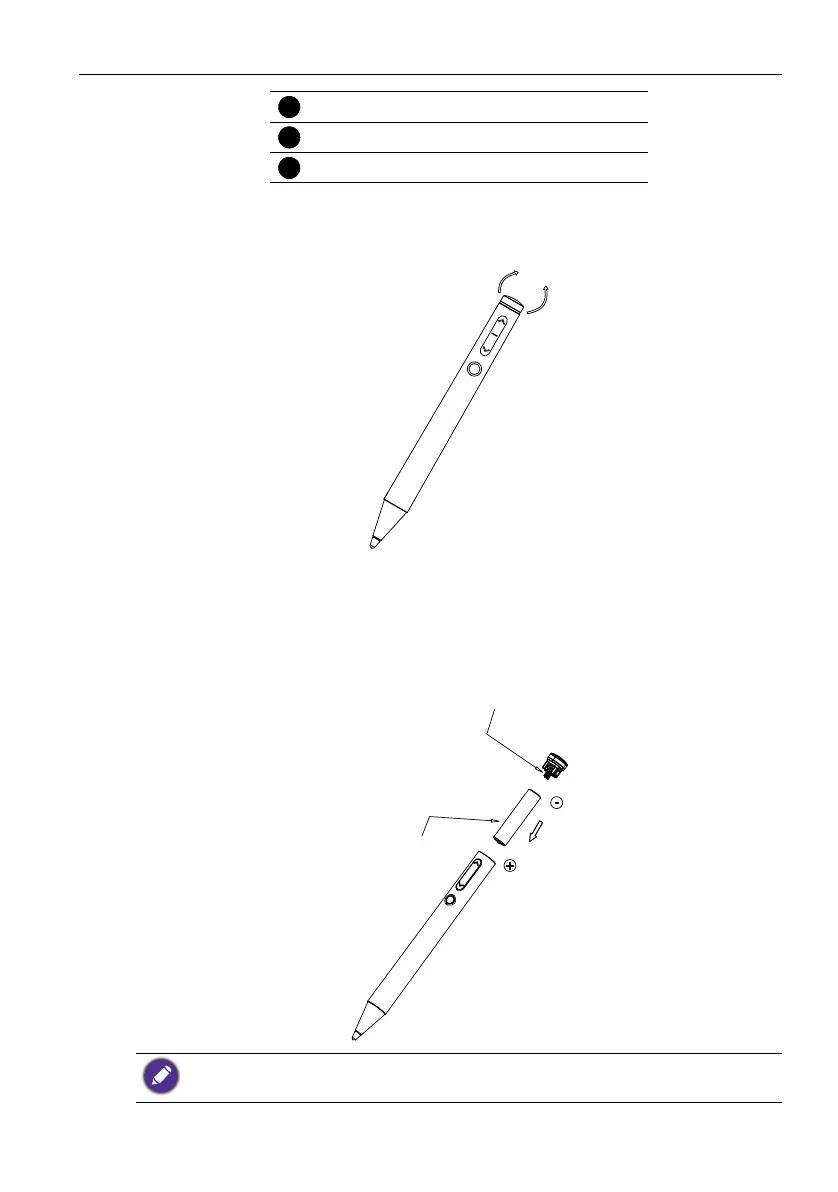
Pull out the pen tail
Shake the pen tail from side to side in the direction indicated by the arrow at the same
time, then slowly pull out the pen tail.
Battery installation
The active pen is powered by a chargeable lithium battery. Insert the battery correctly
according to the direction shown below.
USB cable
Indicator light
Wireless charging port
Please use the original lithium battery of this product. Otherwise it may lead to product
malfunction or safety issues.



 To Next Page