Connection
29
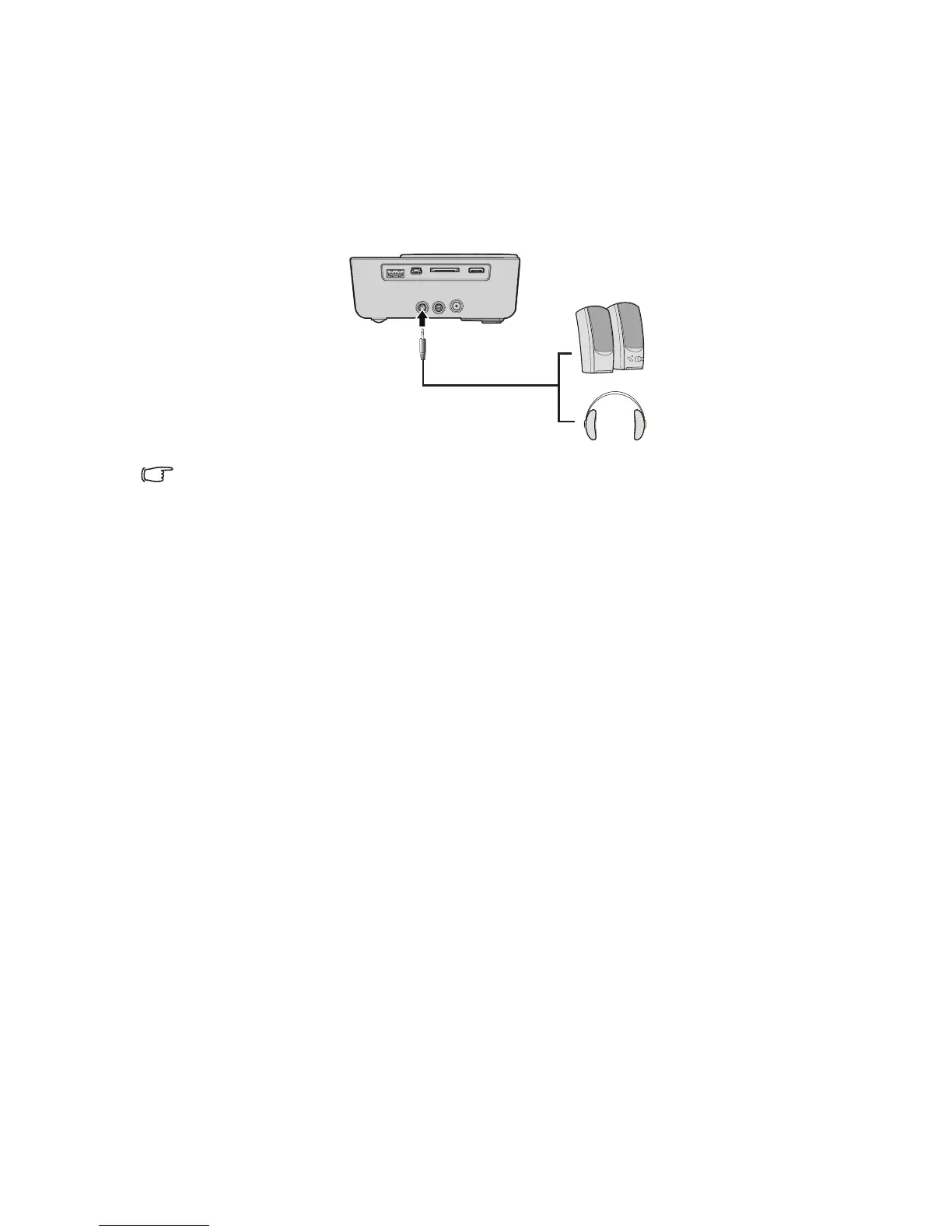
Connecting an external speaker
You can hear sound through an external speaker instead of the internal speakers built into
the projector.
To connect the projector to an external speaker source device:
1. Connect an appropriate stereo cable to the external speaker and the audio output
jack on the projector.
When the audio cable is connected to the audio output jack, the speaker output is muted.



 To Next Page