Operation
53
• See the table for supported subtitle file types. Refer to "Supported file formats" on page 60.
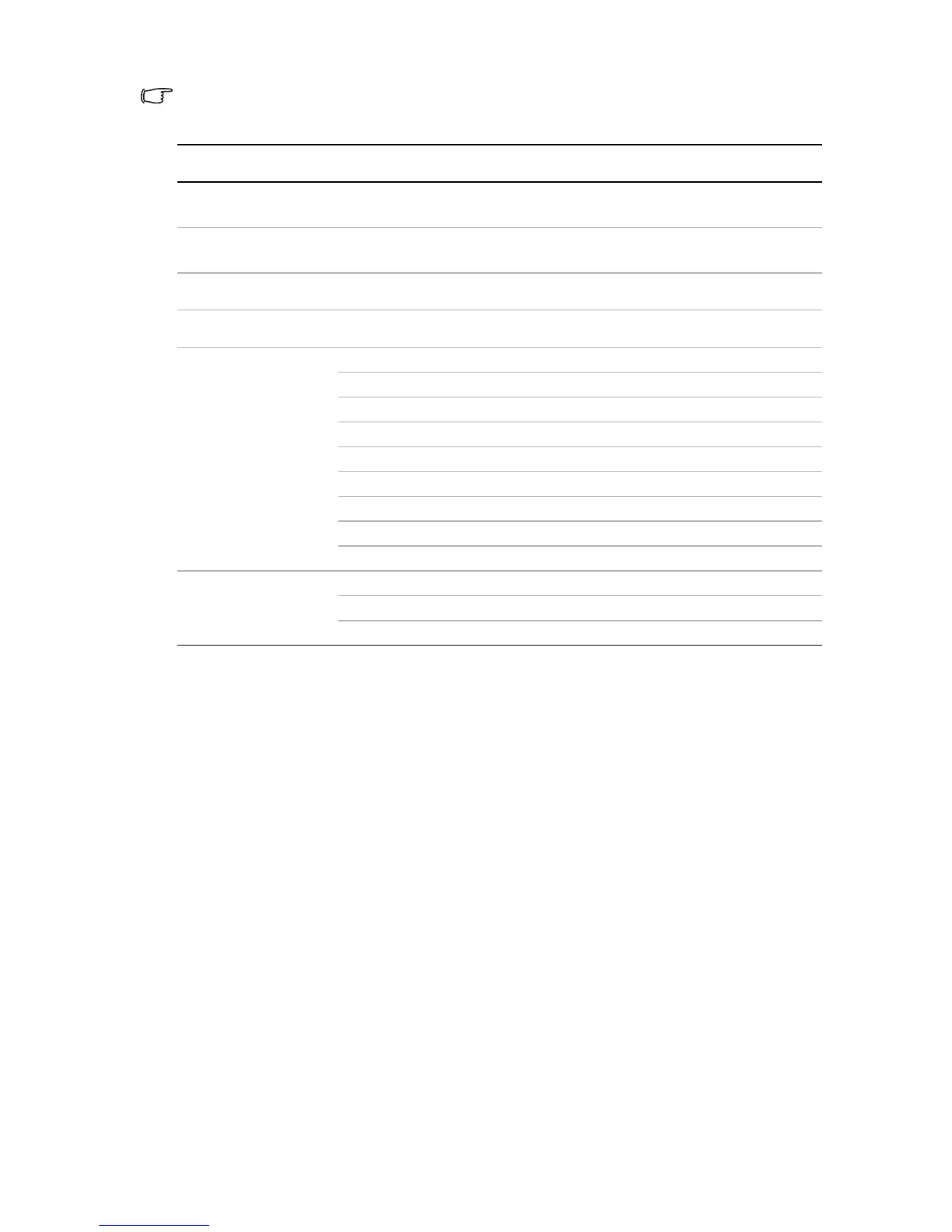
Menu system
Menu Item Sub-menu Options
Wall Color
Off/Light Yellow/Pink/Light Green/
Blue/Blackboard
Aspect Ratio
Full Screen/4:3/16:9/16:10/Auto/
Real
Auto Keystone
On/Off
Keystone
Picture Mode
Settings
Picture Mode Bright/Standard/Cinema/Game/User
Reference Mode Bright/Standard/Cinema/Game
Brightness
Contrast
Color
Tint
Sharpness
Color Temperature T1/T2/T3/T4
Save Settings
Play Settings
Play Mode All in folder/One video
Play Order Normal/Shuffle
Repeat On/Off



 To Next Page