Operation
49
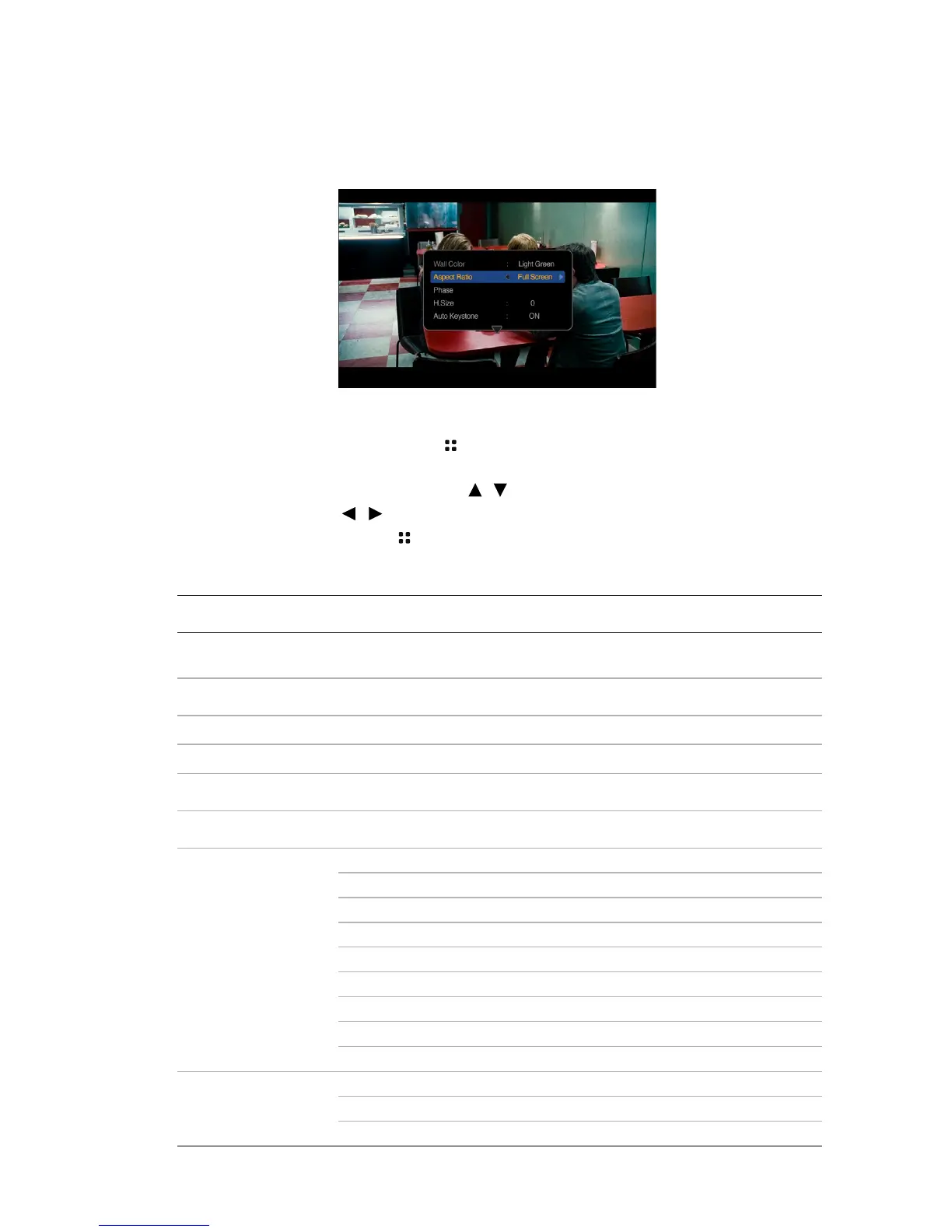
Using PC/ Video pop-up menus
The projector has a multilingual OSD that allows you to make image adjustments and
change a variety of settings. This menu is for the settings to be used in computer, iPhone/
iPod, composite video, component and HDMI modes.
Using the menu
1. To open the OSD menu, press on the projector or remote control when the
projection screen is displayed.
2. When the OSD is displayed, press / to select the desired item and adjust the
settings by using / .
3. To leave the OSD, press again.
Menu system
Menu Item Sub-menu Options
Wall Color
Off/Light Yellow/Pink/Light Green/
Blue/Blackboard
Aspect Ratio
Full Screen/4:3/16:9/Auto/Real
Phase
H. Size
Auto Keystone
On/Off
Keystone
Picture Mode
Settings
Picture Mode Bright/Standard/Cinema/Game/User
Reference Mode Bright/Standard/Cinema/Game/User
Brightness
Contrast
Color
Tint
Sharpness
Color Temperature T1/T2/T3/T4
Save Settings
Information
Source
Resolution
Color System



 To Next Page