EasyManua.ls Logo

BenQ Joybee GP2 - Main Menu

BenQ Joybee GP2
76 pages
Print Icon
To Next Page IconTo Next Page
To Previous Page IconTo Previous Page
Loading...
Operation
64
Menu system
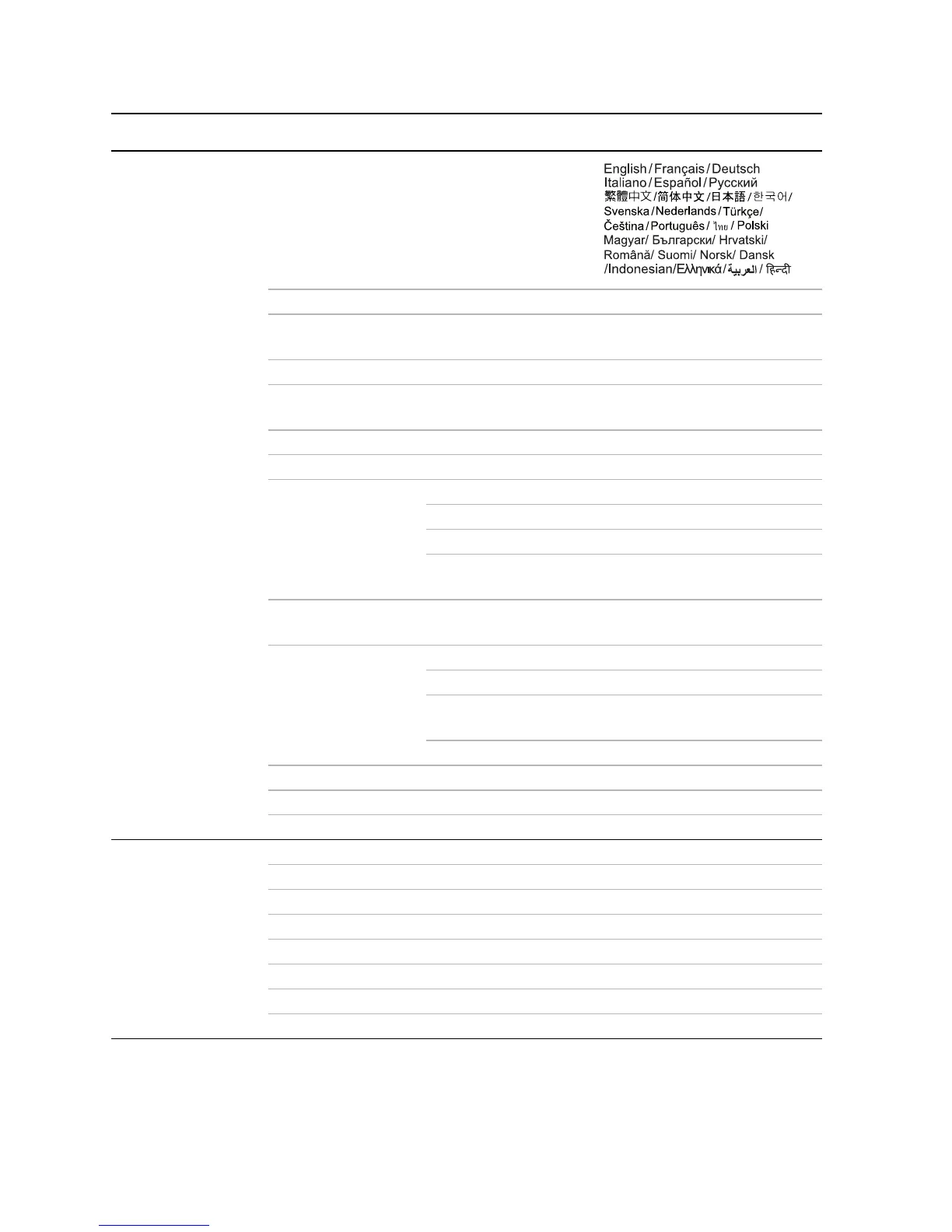
Main menu Sub-menu Options
1.
GENERAL
Language
LED Mode Normal/Eco
Wall Color
Off/Light Yellow/Pink/Light Green/
Blue/Blackboard
Auto Keystone On/Off
Auto Power Off
Disable/5 min/10 min/15 min/20
min/25 min/30 min
Splash Screen BenQ/ Black/Blue
High Altitude Mode On/Off
Audio Settings
Mute On/Off
Volume
Keypad tone On/Off
Audio in Standby
Mode
Off/iPhone& iPod
Menu Display Time
5 sec/10 sec/15 sec/20 sec/25 sec/
30 sec
Security Settings
Change Password
Recall Password
Change Security
Settings
Power On Lock On/Off
Te s t P a t t e r n
Reset All Settings
Firmware Upgrade
2.
INFORMATIO
N
Source
Picture Mode
Color System
Resolution
Internal Memory
SD Card
USB Drive
Firmware Version

Table of Contents

Other manuals for BenQ Joybee GP2

Related product manuals