Operation
48
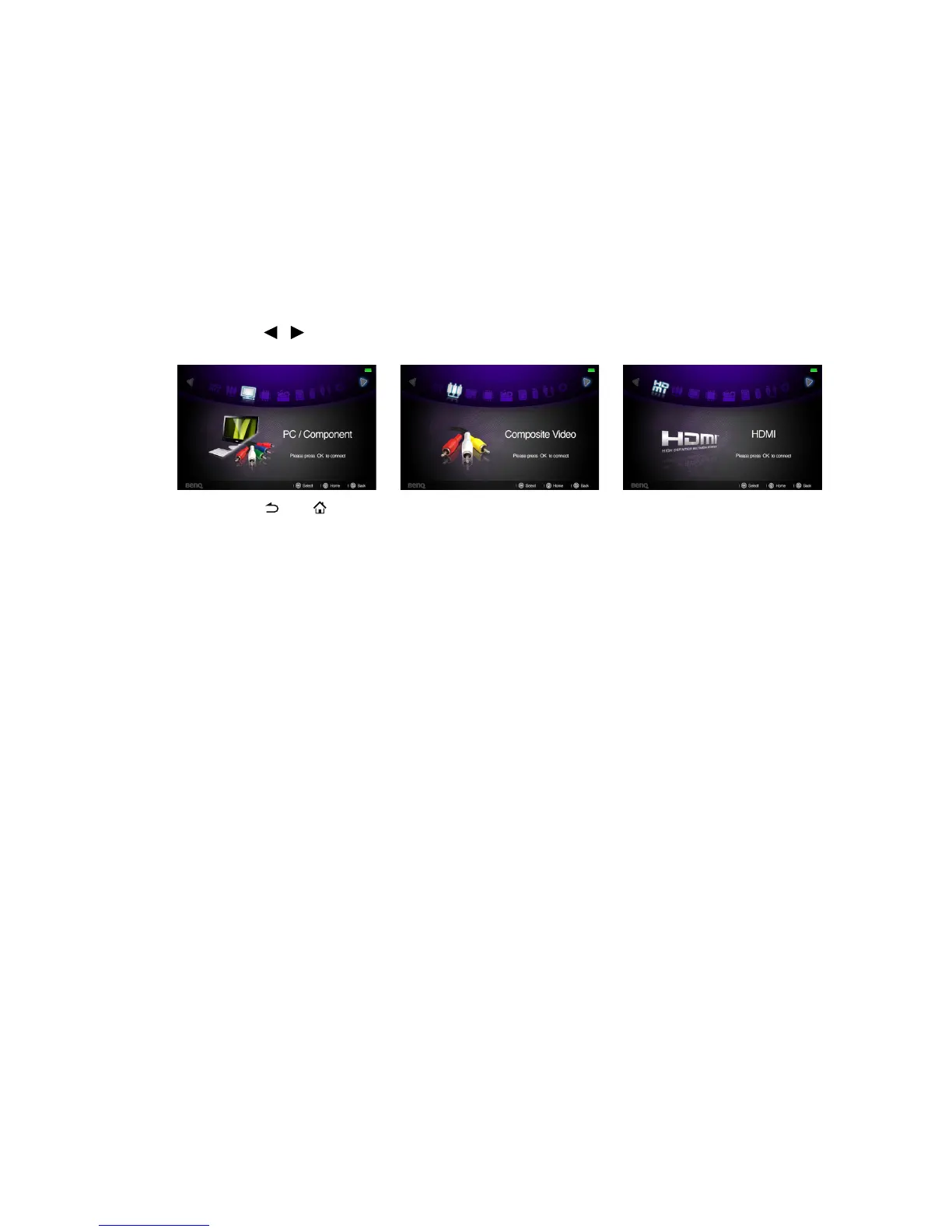
Displaying images with PC and Video source
devices
You can connect your projector to a PC and various Video source devices. (e.g. HDMI,
composite video, component video) However, you need only connect the projector to an
input source device.
To display images:
1. Connect the projector to one of the above signal source.
2. Turn on the power of the projector and your source device. The projector displays
the home screen.
3. Press / on the projector or remote control to select the input signal and then
press OK to enter.
4. Press or to go back to home screen.



 To Next Page