Operation
42
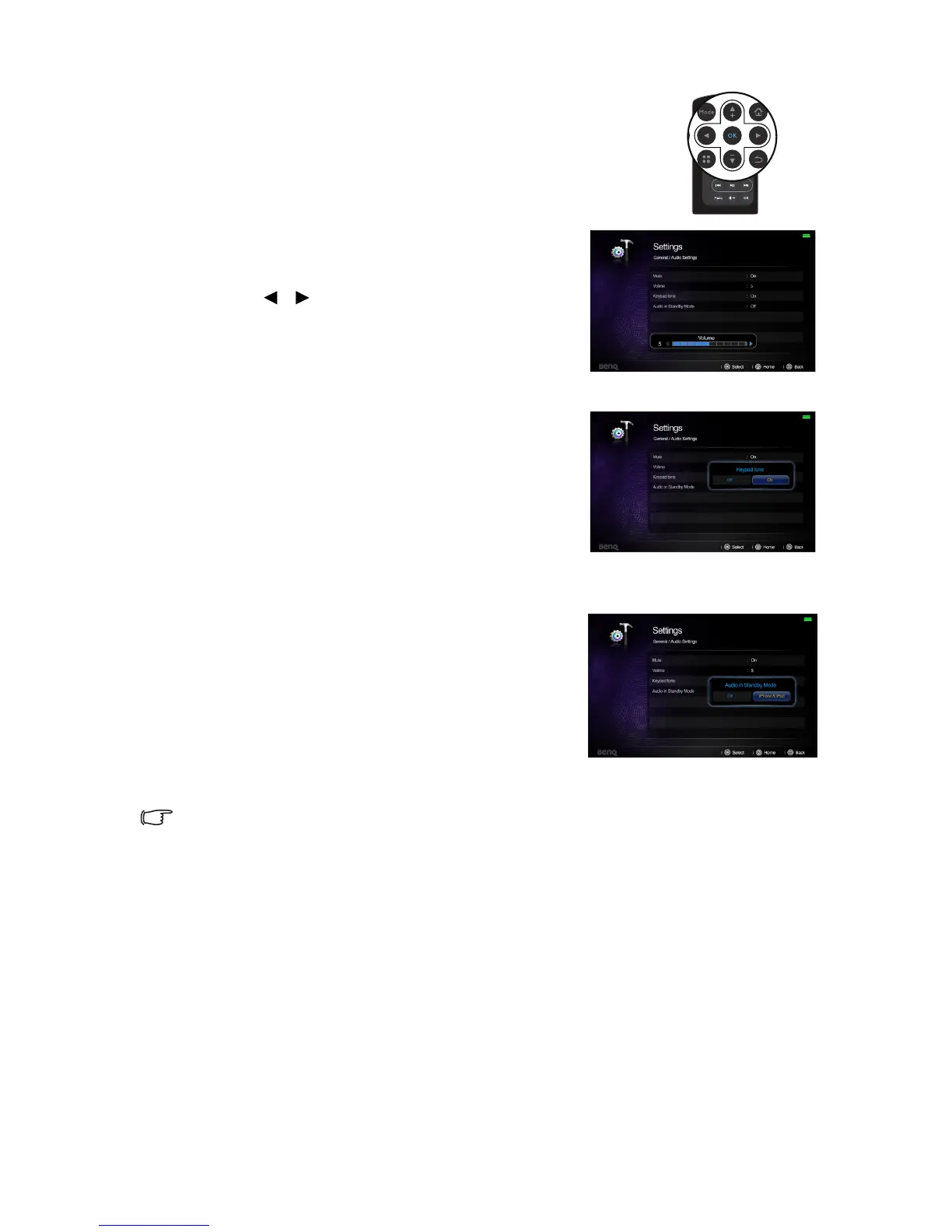
To adjust the sound level, press + or - on the remote control, or:
1. Repeat steps 1-2 above.
2. Highlight Volume and press OK to open the pop-
up menu.
3. Press / to select a desired sound level.
4. To leave the OSD, follow step 5 above.
Setting the keypad tone
To set the keypad tone:
1. Repeat steps 1-2 in Muting the sound section.
2. Highlight Keypad tone and press OK to open the
pop-up menu.
3. Highlight On and press OK to confirm.
4. To leave the OSD, follow step 5 in Muting the
sound section.
Setting the audio in standby mode
To set the audio in standby mode:
1. Repeat steps 1-2 on muting the sound section.
2. Highlight Audio in Standby Mode and press OK
to open the pop-up menu.
3. Highlight iPhone& iPod and press OK to confirm.
After set on the Audio in Standby Mode, the
projector can act as a docking speaker when music
playback is in standby mode.
4. To leave the OSD, follow step 5 in Muting the
sound section.
If Settings > GENERAL > Audio Settings > Audio in Standby Mode is set to iPhone/iPod, the
projector can act as a docking speaker when music playback is in standby mode.



 To Next Page