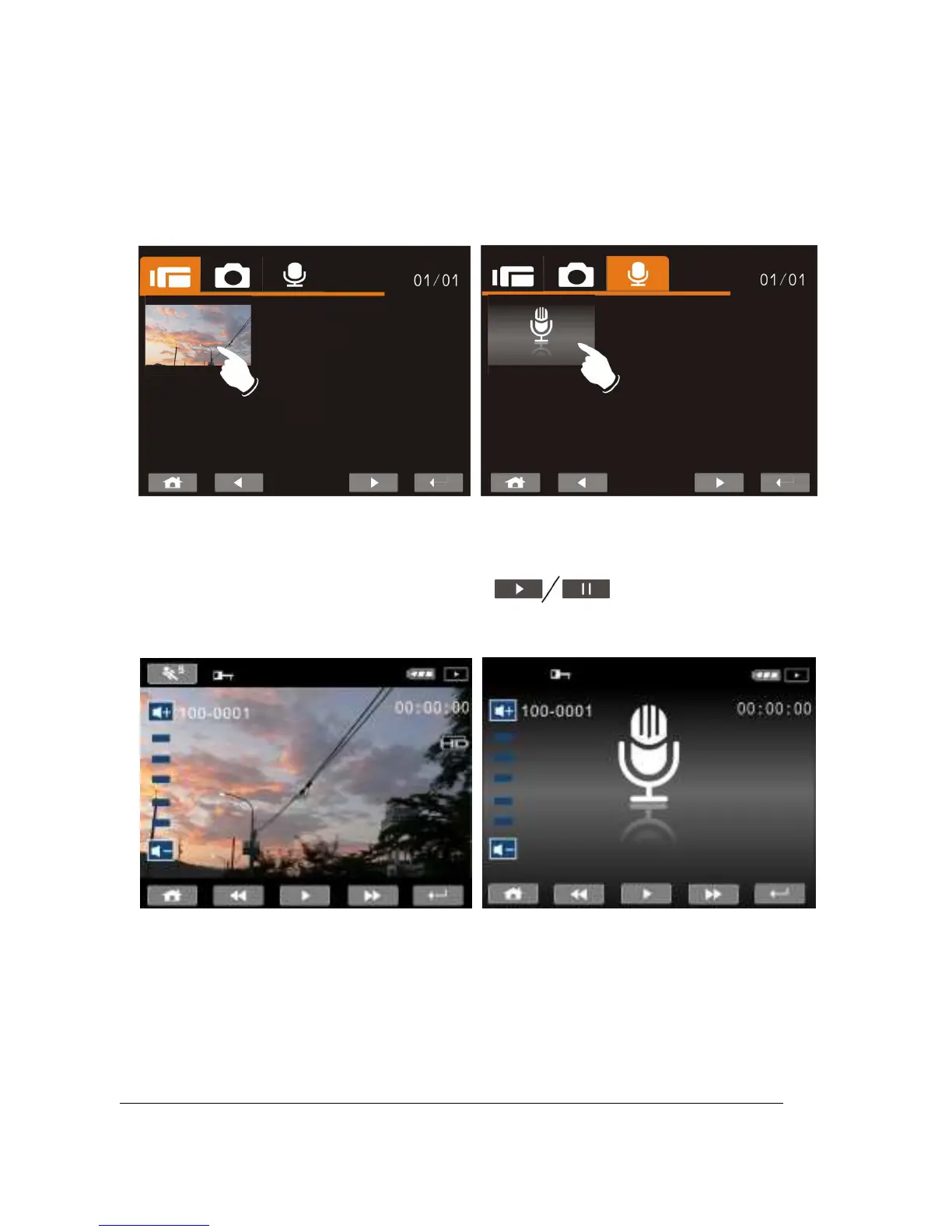
2. Press up/down, left/right to view the stored file. Press the
Recording Button to playback or touch the screen to
select Playback of the file.
3. To pause the Playback of file, press the Recording Button
or touch the screen icon ( ).
4. Press the Playback Button to return to Movie/Voice
Recording Mode.



 To Next Page