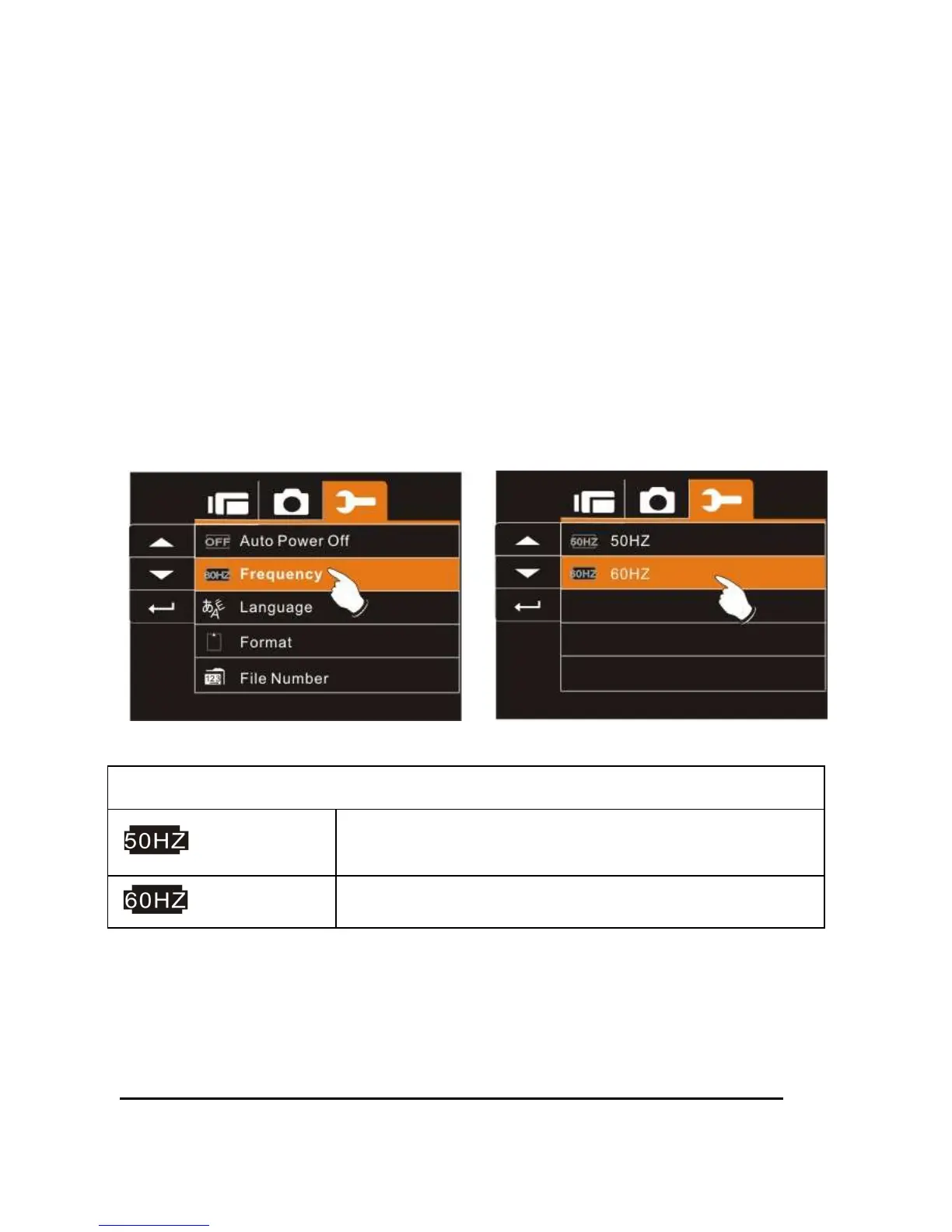
6.5.7 Frequency
Use the Frequency option to set the frequency system for your area.
1. Turn on the power of Digital Video Camera and switch to
SET Mode.
2. Use
Up/Down
Button to highlight the Frequency selection
item. Press the
Recording
Button to display submenu;
or touch the screen to select the item.
3. Use
Up/Down
Button to select 50 HZ or 60 HZ. Press the
Recording
Button to confirm; or touch the screen to select
the item.
Frequency setting reference:
50HZ
UK, Germany, Spain, Italy, France, Netherlands,
Portugal, Russia, China, Japan
60HZ
USA, Taiwan, Korea, Japan



 To Next Page