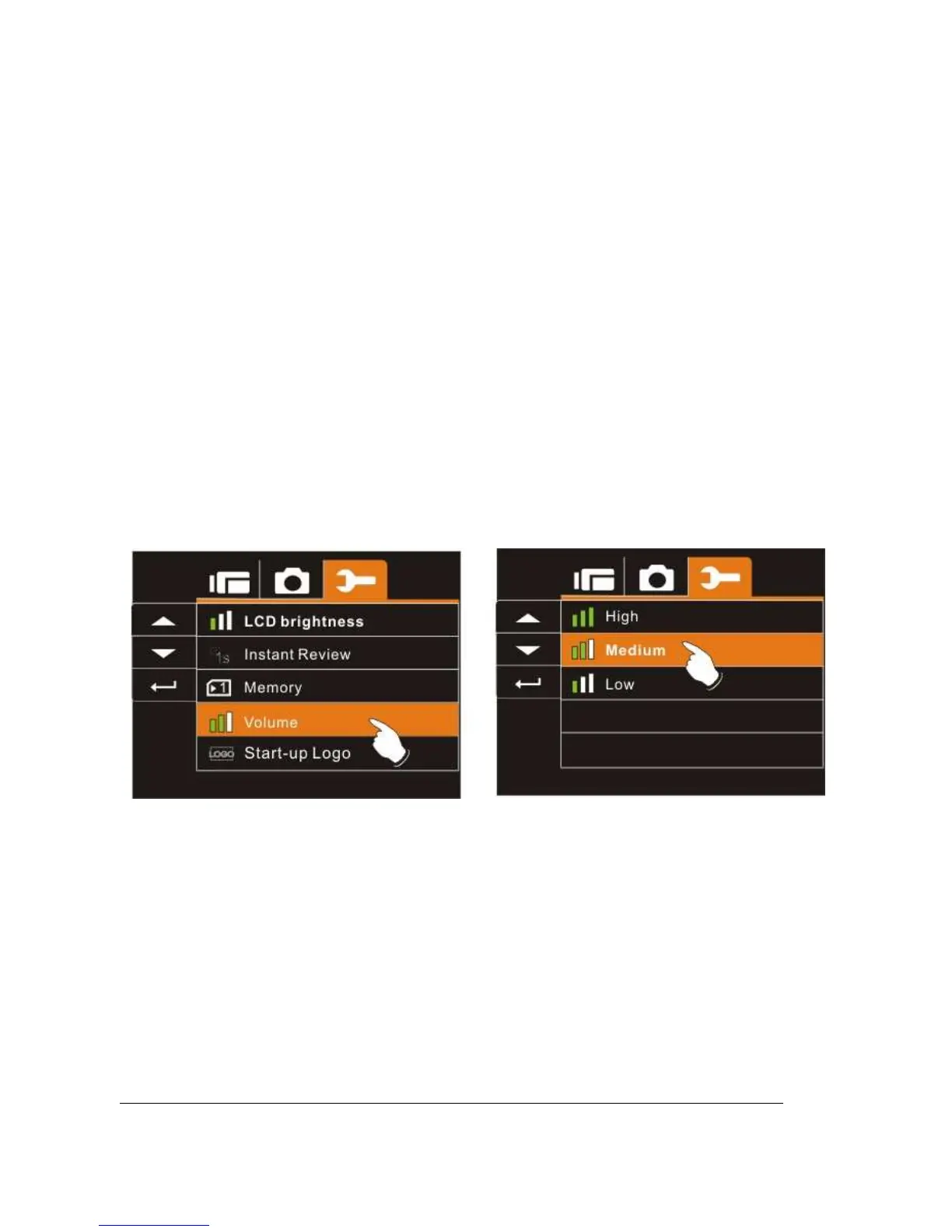
6.5.14 Volume
Use this function to adjust the sound volume.
1. Turn on the Digital Video Camera and switch to SET
Mode.
2. Press the
Up/Down
Button to highlight Volume item.
Press the
Recording
Button to display submenu; or touch
the screen to select the item.
3. Press the
Up/Down
Button to select High, Medium, or
Low. Press the
Recording
Button to confirm; or touch
the screen to select the item.



 To Next Page