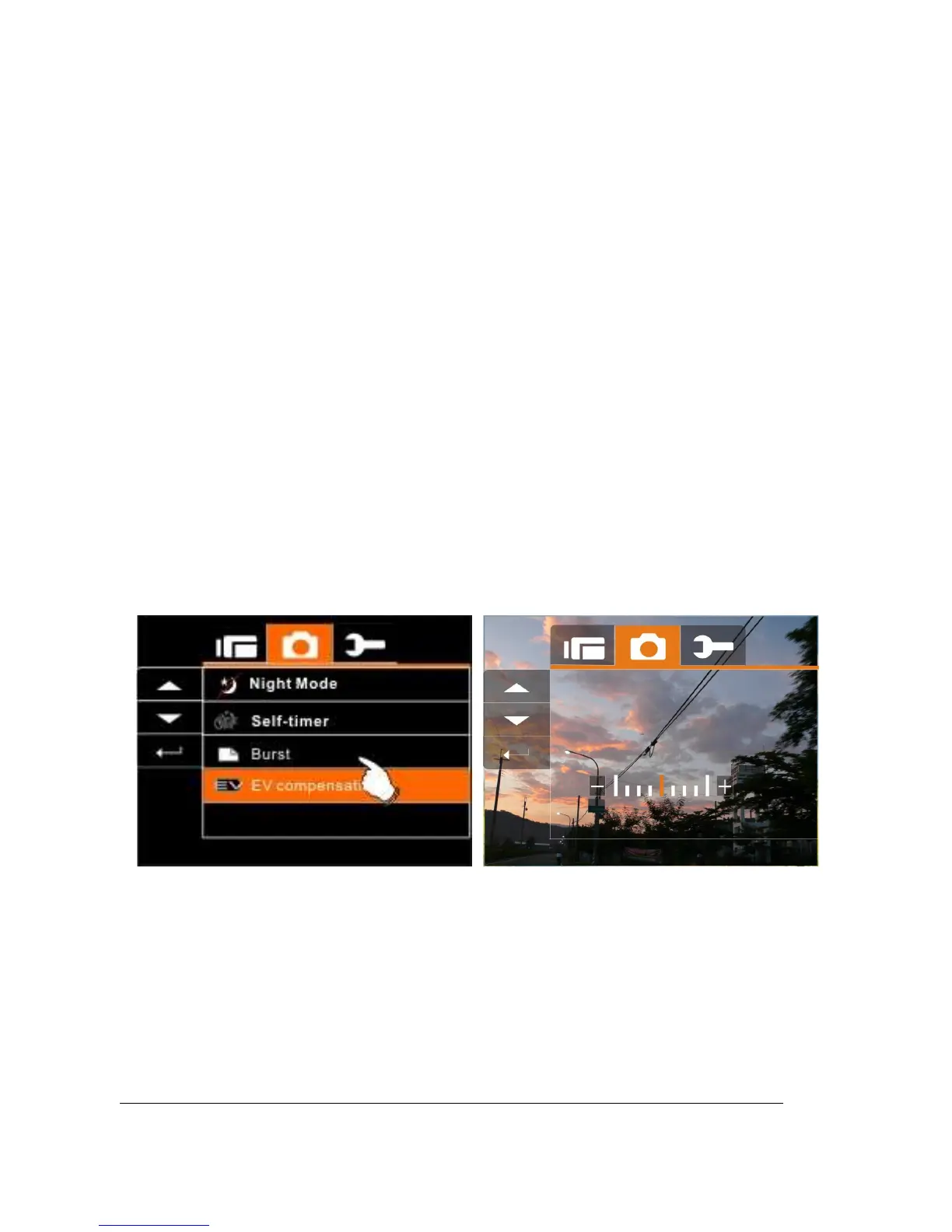
6.3.9 EV compensation
You can adjust the value of the exposure compensation which is
ranged from -2.0EV to +2.0EV (at 0.5EV increment). The higher the
EV value, the brighter the image will be.
1. Turn on the Digital Video Camera and make sure it is in
the DSC Mode.
2. Press Menu Button and press the
Up/Down
Button to
highlight the EV Compression item. Press the
Recording
Button to display submenu; or touch the
screen to select the item.
3. Press
Up/Down
Button to adjust the exposure value (-2.0
~ +2.0). Press the
Recording
Button to confirm; or
touch the screen to select the item.



 To Next Page