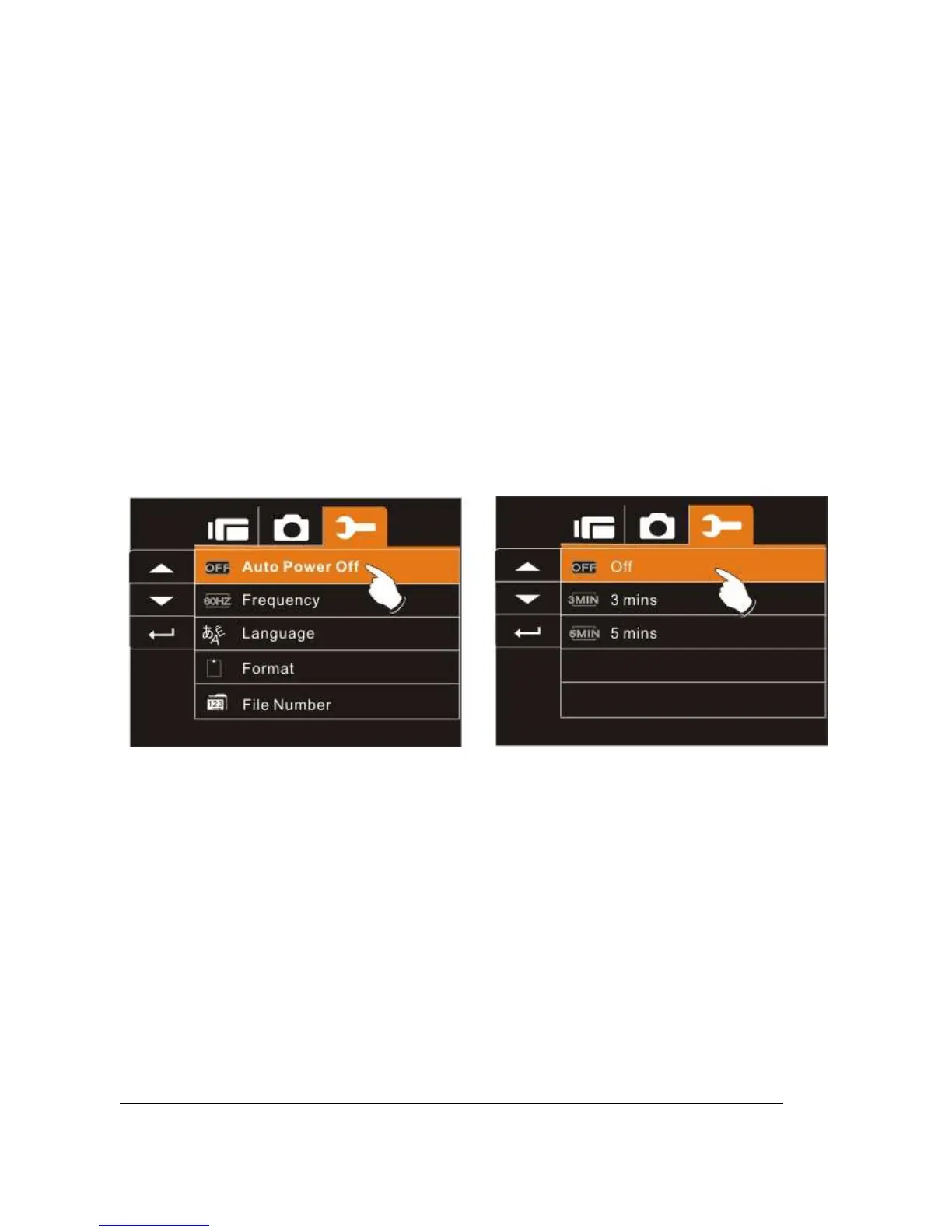
6.5.6 Auto Power Off
This function can be used to turn off the Digital Video Camera
automatically after not using it for a period of time.
1. Turn on the Digital Video Camera and switch to SET
Mode.
2. Press
Up/Down
Button to highlight Auto Power Off item.
Press the
Recording
Button to display submenu; or touch
the screen to select the item.
3. Press
Up/Down
Button to select Off, 3 mins, or 5 mins; or
touch the screen to select the item.



 To Next Page