6.2 Menus of Movie Clip/Voice Playback
When in Movie Clip mode, press the Menu Button to show the Movie
Clip options menu.
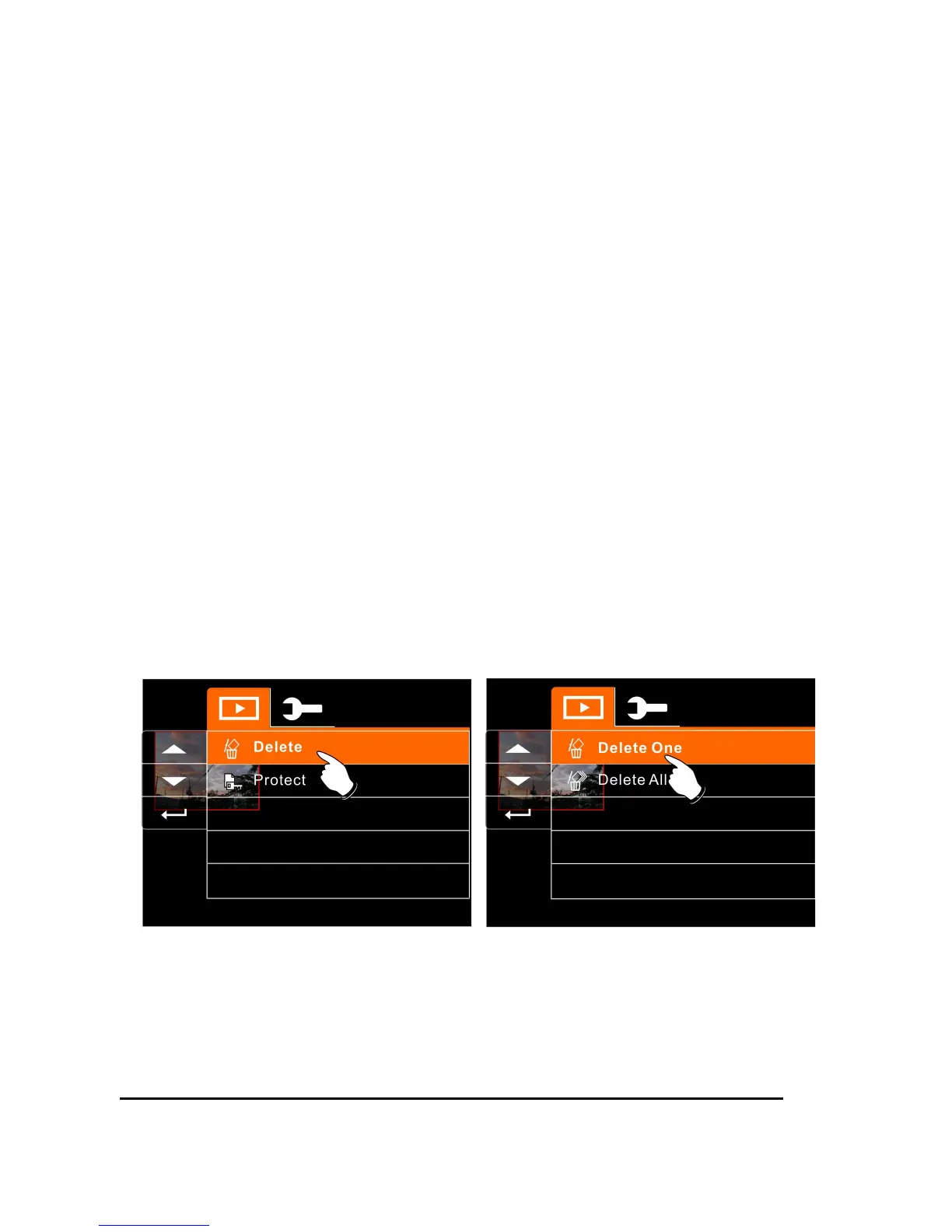
6.2.1 Delete
1. Turn on the Digital Video Camera and make sure it is in the
Movie Clip/Voice Playback Mode.
2. Press Menu Button and move the
Up/Down
Button to highlight
the Delete item. Press the
Recording
Button to display
submenu; or touch the screen to select the item.
3. Use
Up/Down
Button to select Delete One or Delete All. Press
the
Recording
Button to confirm; or touch the screen to select
the item.



 To Next Page