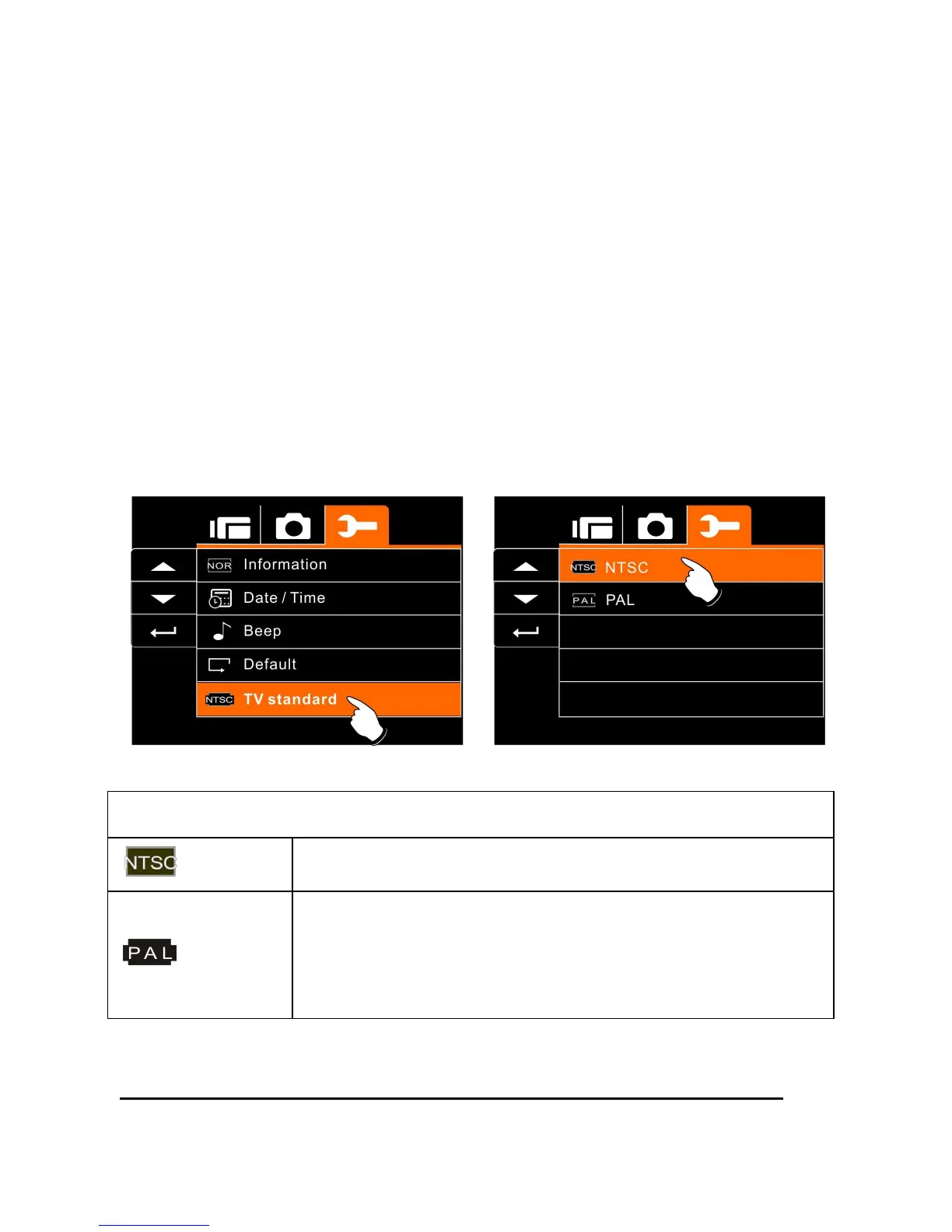
6.5.5 TV standard
Use the TV standard to set the TV system for your area.
1. Turn on the power of Digital Video Camera and switch to
SET Mode.
2. Use
Up/Down
Button to highlight the TV standard item.
Press the
Recording
Button to display submenu; or touch
the screen to select the item.
3. Use
Up/Down
Button to select NTSC or PAL. Press the
Recording
Button to confirm; or touch the screen to select
the item.
TV out standard setting reference
NTSC
USA, Canada, Japan, Korea, Taiwan, Mexico
PAL
Australia, Austria, Belgium, China, Denmark,
Finland, Germany, UK, Italy, Kuwait, Malaysia,
New Zealand, Singapore, Spain, Sweden,
Switzerland, Thailand, Norway



 To Next Page